Shared Grocery List App: How to Pick the Right One
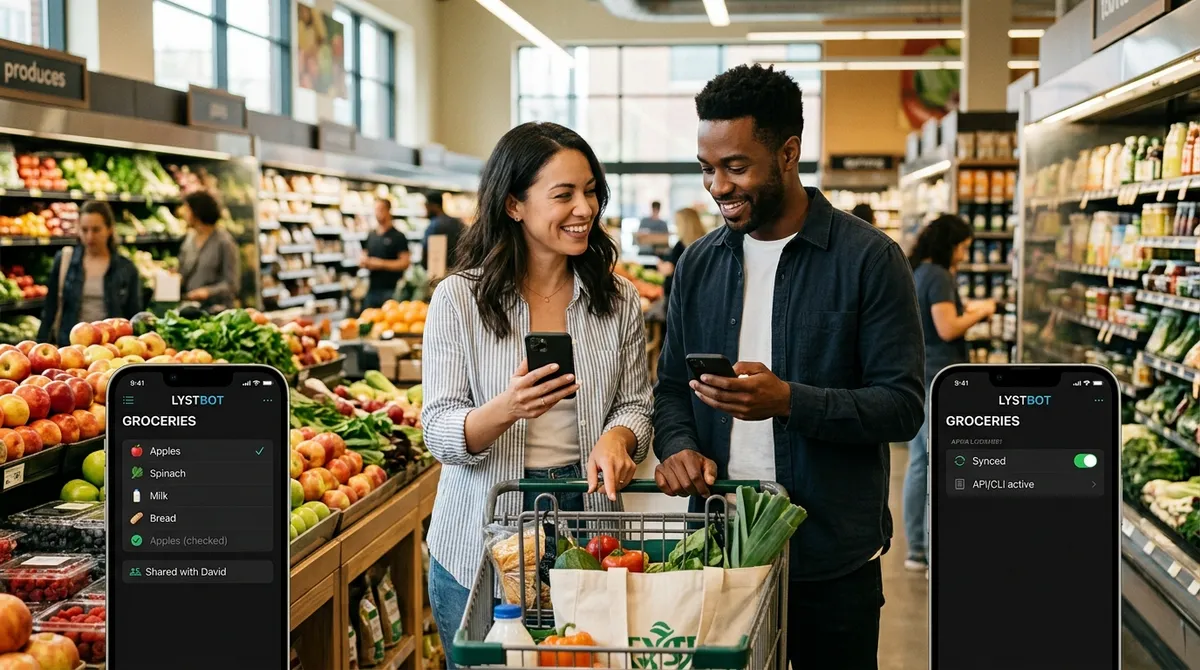
My partner and I used to text each other grocery items. "Can you grab milk?" "Already got it." "No, the oat one." "You didn't say oat." We had this conversation weekly. A shared grocery list app fixed it in about 30 seconds. One list, both phones, real-time sync. No more guessing, no more duplicates, no more wrong milk.
But picking the right shared list app is harder than it should be. Some apps make sharing easy but lack features. Others are powerful but complicated. And most don't tell you their limitations until you've already committed.
I tested six shareable shopping list apps over three months. Here's what I found.
TL;DR: The best shared grocery list app depends on your household. AnyList wins for recipe-driven families. OurGroceries wins for simplicity and voice assistants. LystBot wins for power users who want API access, AI integration, or automation. All three sync lists in real time across iOS and Android. Read below for the full breakdown of what each does well and where each falls short.
Shared Grocery List App: What Actually Matters
Most app reviews list features. That's not helpful. What matters is how the sharing works in practice, because that's where most apps either earn your trust or lose it.
Sync speed. When your partner adds "chicken thighs" at home, you need to see it before you walk past the meat section. Anything over 2-3 seconds feels broken. I tested sync speed across AnyList, OurGroceries, Google Keep, Apple Reminders, and LystBot. AnyList, OurGroceries, and LystBot all sync under 2 seconds on a decent connection. Google Keep was inconsistent (sometimes instant, sometimes 10+ seconds). Apple Reminders only works if everyone uses iPhones.
How you invite people. Some apps require both people to create accounts. Others use invite links or share codes. The fewer steps, the better. If your roommate needs to create an account, verify an email, and download an app before seeing your list, half of them won't bother.
Cross-platform support. Mixed households (iPhone + Android) need an app that works on both. Apple Reminders fails here. Google Keep works but its sharing UX is clunky for grocery-specific use.
Notifications. A shareable grocery list is only useful if you know when it changes. Push notifications when someone adds or checks off items make the difference between "I'll check the list later" and "oh, we need eggs, I'm near the store."
These four things matter more than recipe import, aisle sorting, or dark mode. Get the sharing right and everything else is a bonus.
Shared Shopping List: 3 Apps That Get It Right
AnyList
AnyList has been the default recommendation for shared grocery lists since 2012. The sharing works well: invite by email, both people see the same list, changes sync fast.
Where AnyList stands out is recipe integration. Import a recipe URL, tap "add ingredients to list," and the items appear on your shared shopping list. For families who meal plan on Sundays and shop on Mondays, this saves 10-15 minutes per week.
The free version handles sharing and basic lists. AnyList Complete ($9.99/year) adds the web app, meal planning calendar, and recipe scaling. Worth it if you cook from recipes regularly.
The catch: AnyList is a closed system. No API, no way to add items from a script or voice assistant beyond Siri. If you want to automate anything, or if someone in your household prefers Android and wants a web app without paying, AnyList creates friction.
OurGroceries
OurGroceries takes the opposite approach. Less features, less complexity, broader reach.
It runs on iOS, Android, web, Apple Watch, Wear OS, and it connects to Alexa and Google Assistant. "Alexa, add butter to my grocery list" works out of the box. For households where one person types and another talks, that flexibility matters.
Sharing is simple: create a list, share by email, done. The free version has ads. A one-time purchase removes them.
The catch: Basic recipe support compared to AnyList (no URL import, no scaling). The interface looks dated. No API or developer tools. If you want more than a straightforward shared list, OurGroceries will feel limiting within a few months.
LystBot
Full disclosure: LystBot is our product. I'll be honest about what it does and doesn't do.
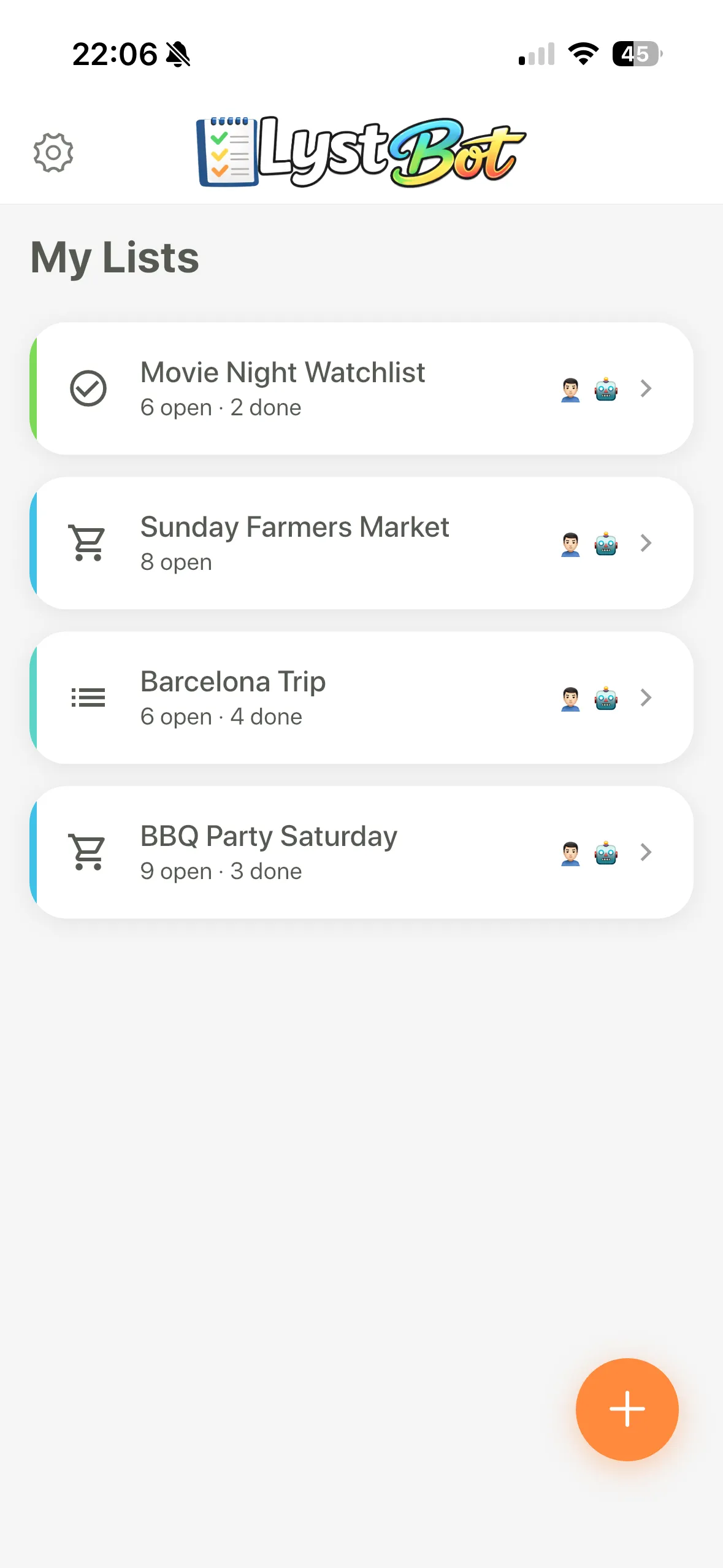
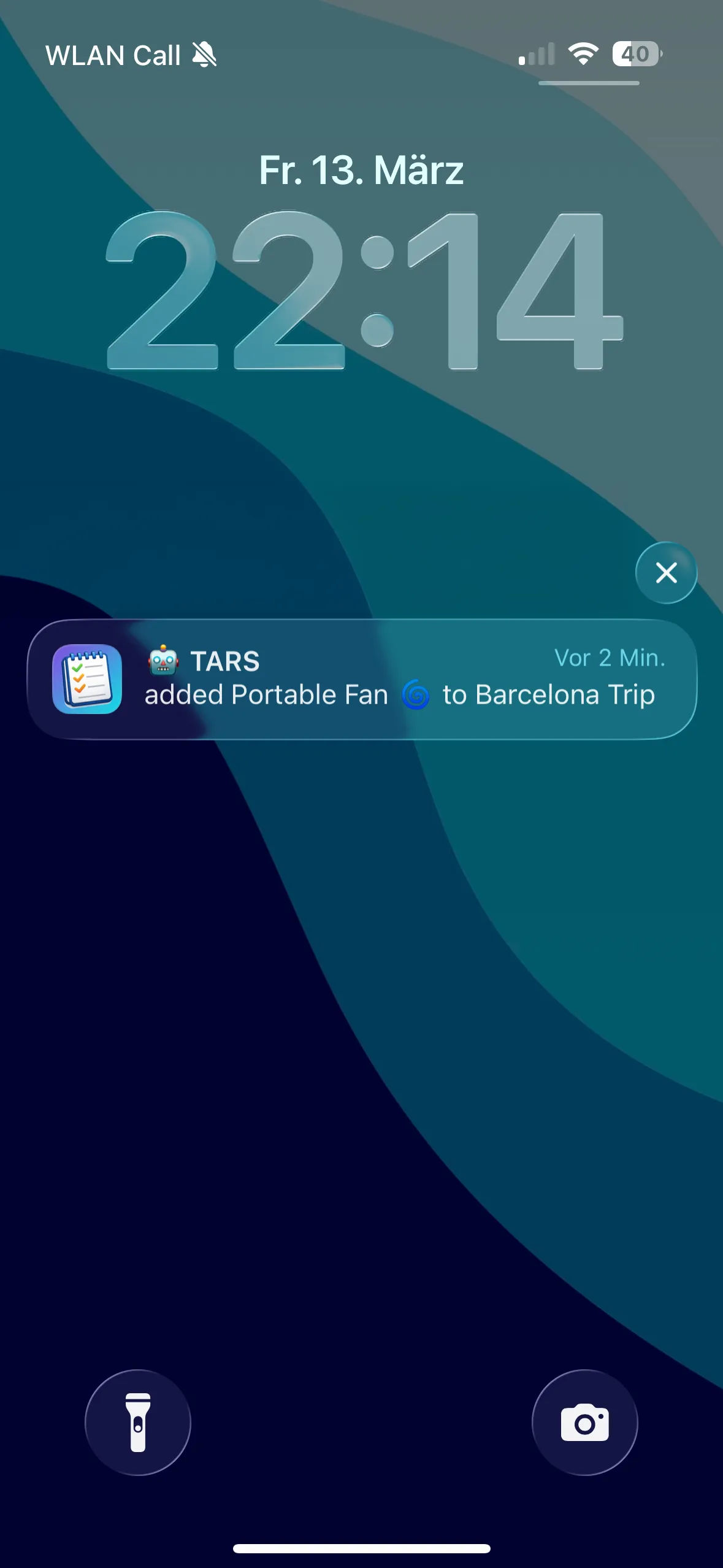
LystBot is a shared list app built for people who want their lists to connect to other tools. The mobile app works like any shareable shopping list app: create a list, share it with a 6-character code, items sync in real time, push notifications tell you when something changes.
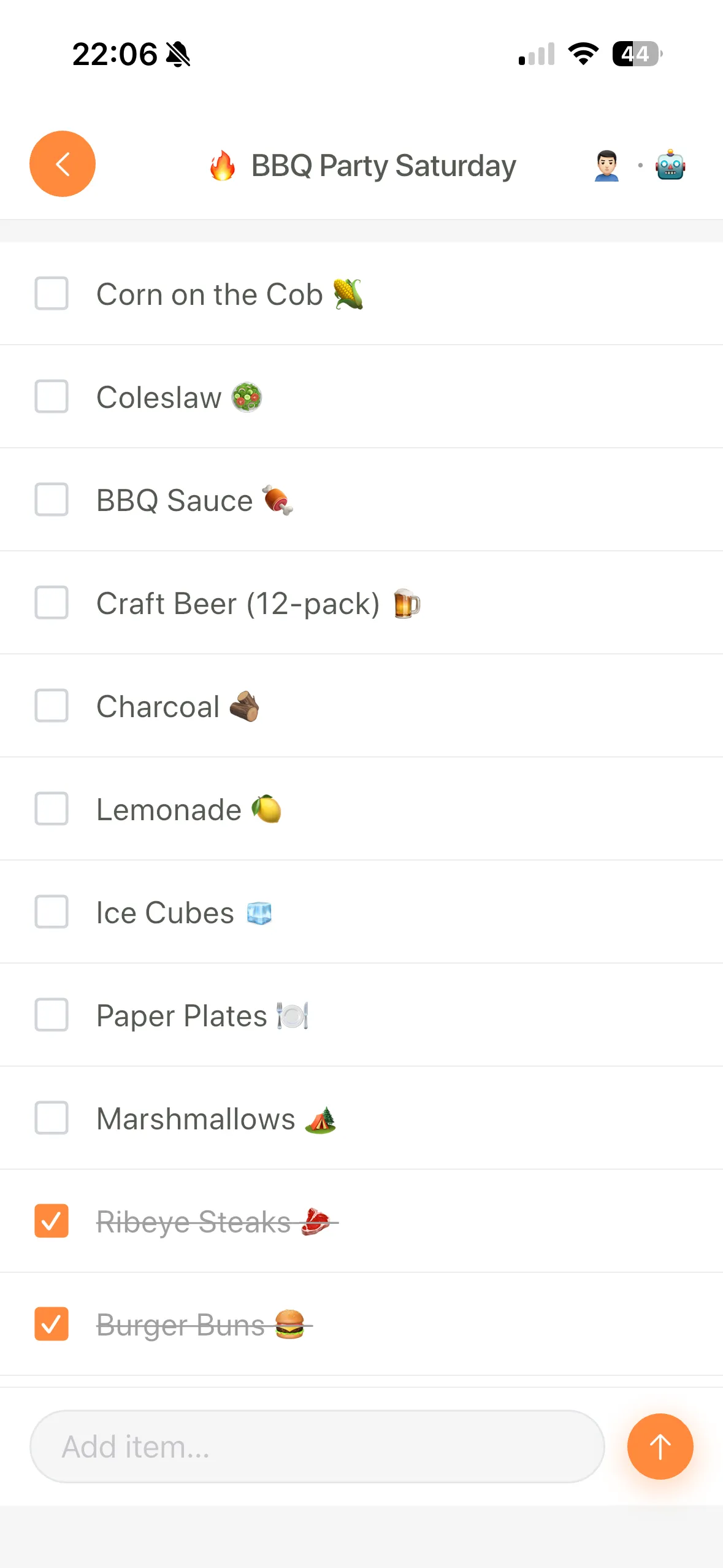
What makes LystBot different: it has a REST API, a CLI, and an MCP server for AI assistants. You can add items from a terminal, a cron job, a Slack bot, or by telling Claude "add the ingredients for carbonara to my grocery list." Your partner sees the items on their phone instantly, no matter how they got added.
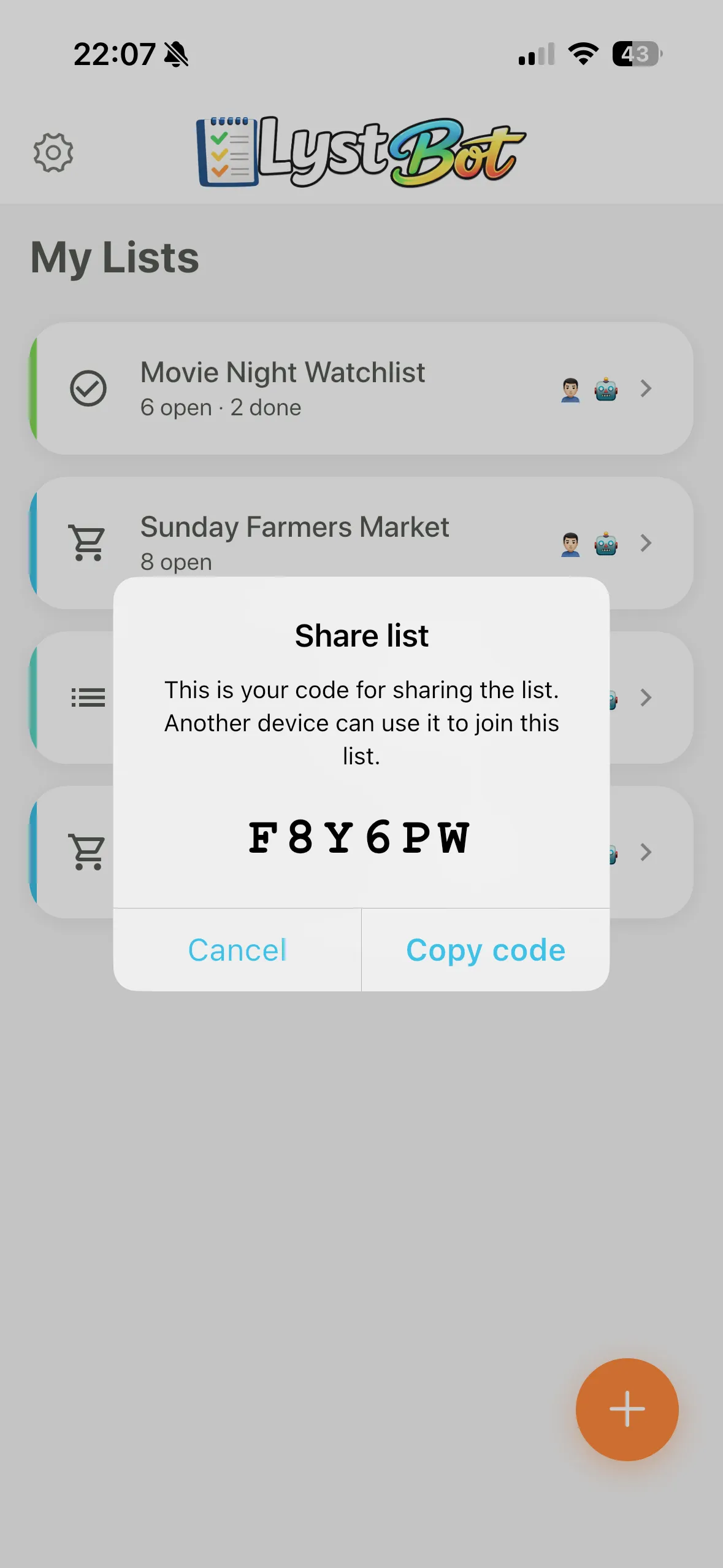
Sharing works via a 6-character code. No email required, no account creation for the other person. Send the code, they enter it, done. We built it this way because every extra step in the invite flow is a place where people drop off.
Free. No premium tier, no paywalls, no "3 lists free then pay" limits.
The catch: No recipe management. No voice assistant integration (yet). LystBot is newer than AnyList and OurGroceries, so expect fewer polish details. If you want a mature, recipe-first grocery app, AnyList is the better pick today.
Download LystBot free on the App Store and Google Play. Share your first list in under a minute.
Grocery List App to Share: Common Mistakes
I've watched friends and family set up shared grocery lists. The same mistakes come up every time.
Using a notes app instead of a list app. Apple Notes and Google Keep technically support sharing. But they don't have grocery-specific features: no check-off behavior, no push notifications when items change, no aisle organization. You end up with a shared document, not a shared list. It works until it doesn't, usually when two people edit at the same time and items disappear.
Picking an app that only works on one platform. Apple Reminders is great if everyone has an iPhone. The moment someone in your household switches to Android or wants to check the list on a computer, you're stuck. A shared grocery list app needs to work on iOS, Android, and ideally web. Check this before you commit.
Not setting up notifications. A shareable grocery list with notifications turned off is just a list nobody checks. Make sure both people enable push notifications so you see changes in real time. The whole point is that you don't have to ask "did you add anything?"
Overcomplicating it. You don't need 15 features on day one. Pick an app, create one shared list, use it for a week. If it works, expand. If it doesn't, switch. Most list apps let you export, so you're not locked in.
Shared List App: Beyond Groceries
A good shared list app handles more than groceries. Once you have the sharing habit, the same tool works for:
Packing lists. Traveling with a partner or family? A shared packing list means you don't both bring sunscreen and neither brings a phone charger. We covered some of these automation use cases in a separate post.
Household chores. A shared todo list for the house (fix the leaky faucet, call the electrician, buy lightbulbs) keeps things visible without the awkward "did you do the thing?" conversation.
Event planning. Party supplies, potluck signups, moving checklists. Anything where multiple people need to see and update the same list benefits from real-time sync.
LystBot supports list types for shopping, todos, packing, and generic lists. All shareable, all synced. The MCP server means you can even have an AI assistant manage your shared lists if that fits your workflow.
The Right Shared Grocery List App for You
Pick AnyList if your household revolves around cooking and meal planning. The recipe-to-list workflow is unmatched, and the $9.99/year price is fair for what you get.
Pick OurGroceries if you want the simplest path to a shared shopping list that works everywhere, including voice assistants. If your parents or roommates need something with zero learning curve, this is the one.
Pick LystBot if you want a shared list app that connects to other tools. API access, terminal commands, AI integration. Your grocery list becomes part of a larger system instead of a standalone app. Good for developers, power users, and anyone whose workflow already involves automation.
No single app is the best shared grocery list app for every household. But one of these three will fit how you actually live and shop.
Download LystBot free on the App Store and Google Play
- ← Previous
Best Free Grocery List App 2026: 5 Honest Picks - Next →