AI List App with Shared Lists: LystBot
You ask Claude to "add milk to my shopping list." Claude says "Done!" Nothing happens. Your grocery list app has no idea Claude exists.
Every AI assistant pretends it can manage your lists. None of them connect to a real app on your phone. LystBot is an ai list app built to fix this. It handles shared grocery lists for families, with a built-in MCP server that lets AI assistants add items, check things off, and create new lists for real. Items show up on your phone. Your family sees them.
TL;DR: LystBot is a free list app with real AI integration. Tell Claude to add groceries and the items appear on everyone's phone within seconds. Shared lists sync across family members. Open source. iOS and Android.
Grocery List App: What LystBot Does for Families
Before the AI stuff, LystBot handles the daily basics:
- Shared lists that sync in real time between partners, roommates, or family members
- Push notifications when someone adds or checks off items
- Multiple list types: grocery lists, todos, wishlists, packing lists
- Emoji labels for quick visual organization
- Free with no subscription and no premium tier
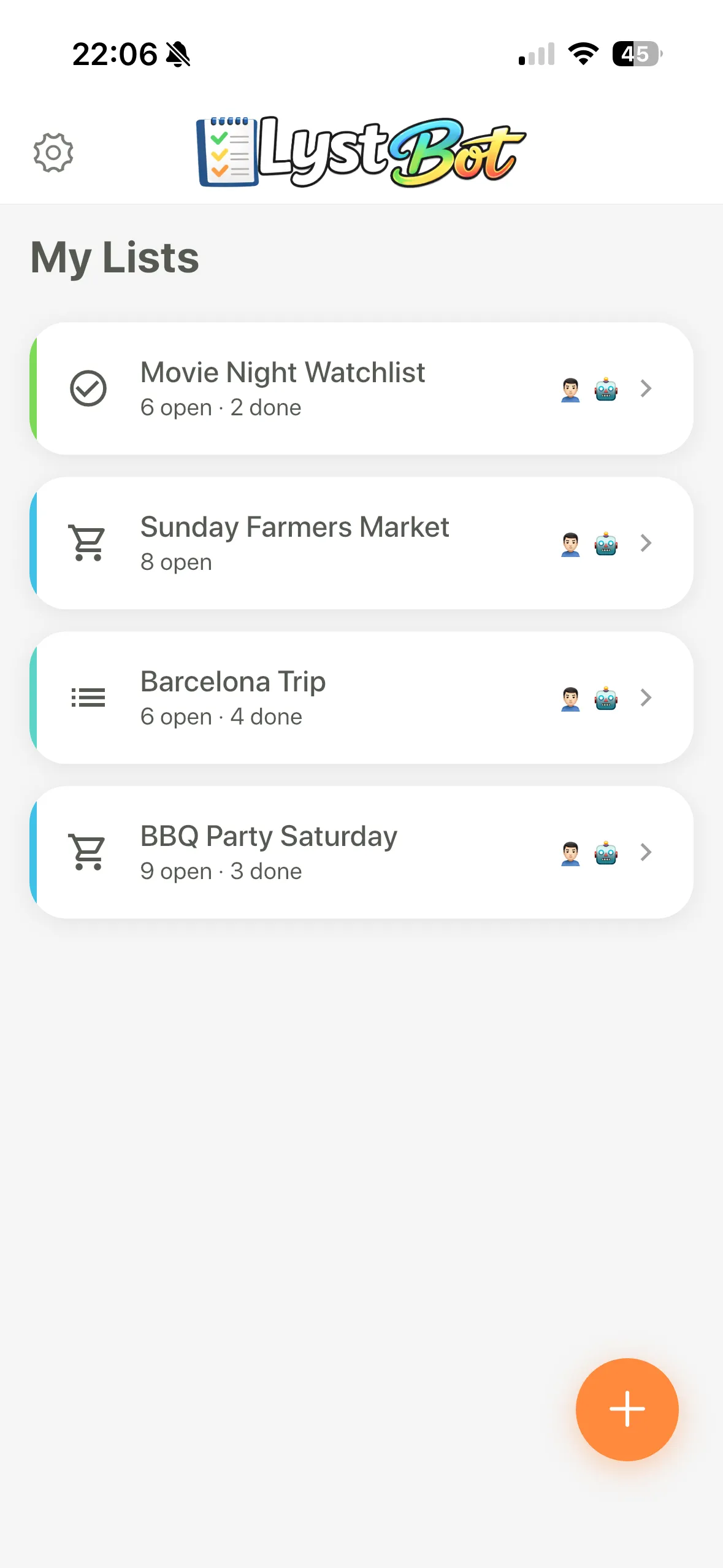
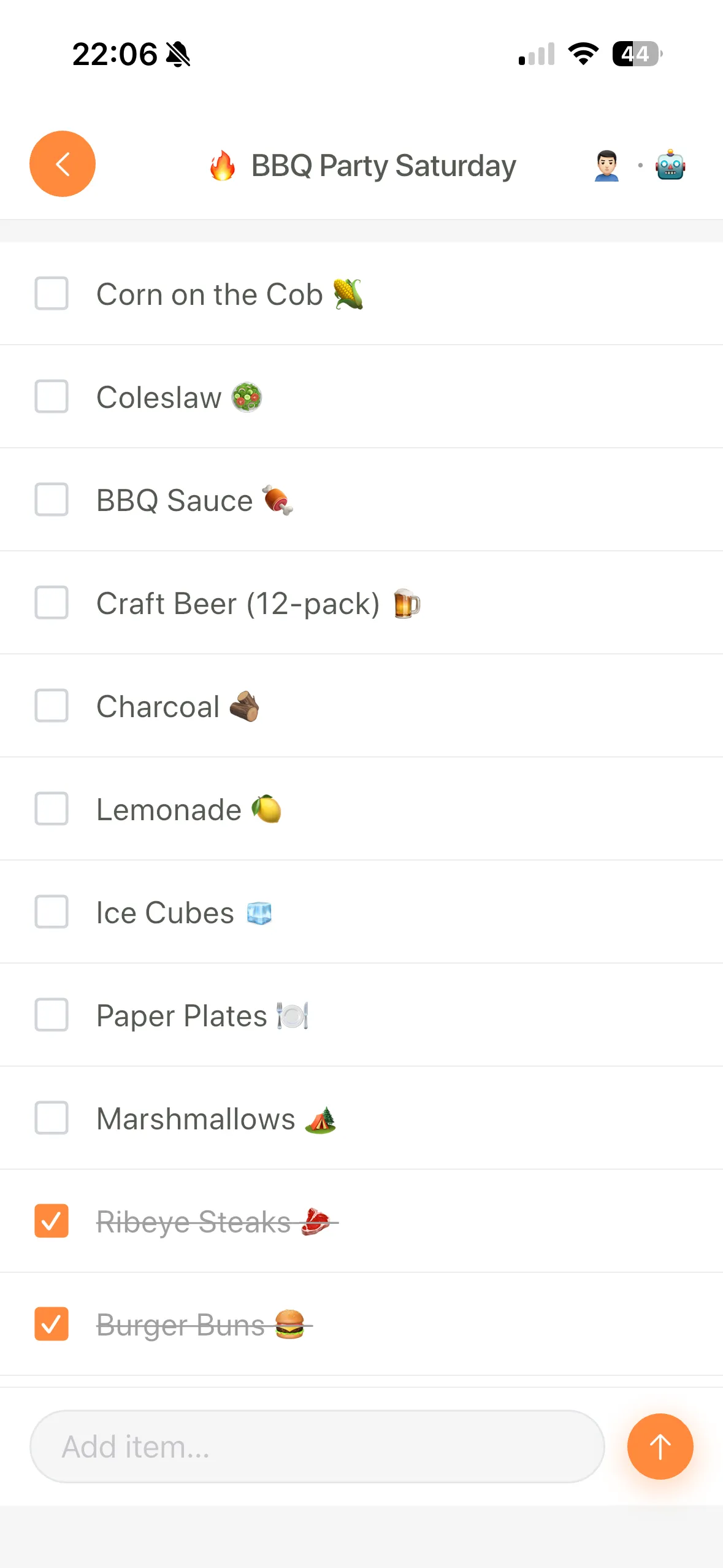
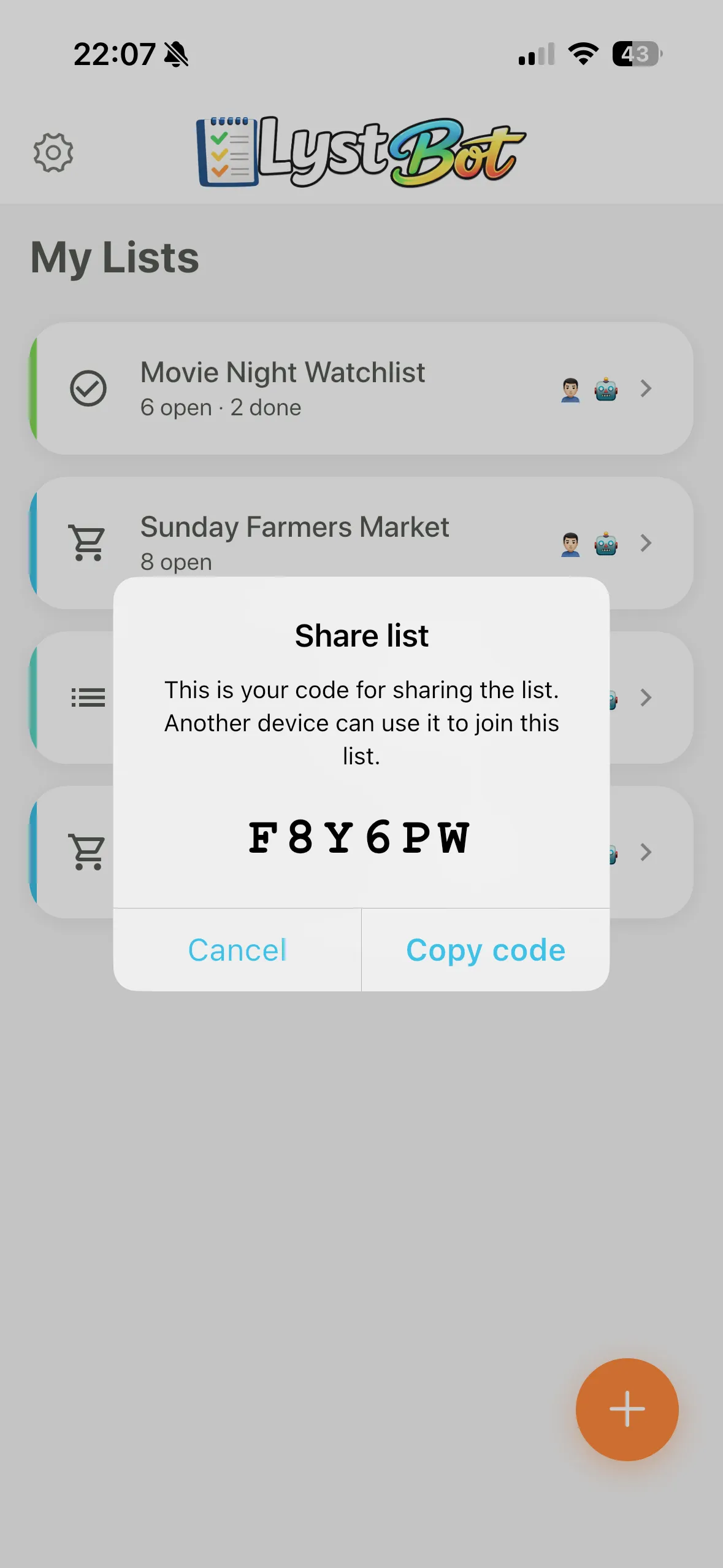
Share a list by sending a code to your partner. They open it on their phone and see every update live. No account linking, no email invitations. You create a grocery list, your partner checks things off at the store, both phones stay in sync.
You don't need to touch any technical settings to use shared lists. The app works like any other grocery list app out of the box. The AI features are optional, and your list data stays on LystBot's servers (not sent to third-party AI providers) unless you connect an AI assistant yourself.
We checked AnyList, Todoist, Apple Reminders, and Google Keep before building this. None of them expose an API or MCP server that AI assistants can connect to. That gap is why LystBot exists.
AI List App: How LystBot Connects to Your AI
Tell Claude: "Find me a carbonara recipe and add everything to my grocery list."
Your phone buzzes. Open LystBot. The items are there: guanciale, pecorino romano, eggs, black pepper, spaghetti. Your partner's phone has them too, because shared lists update in real time.
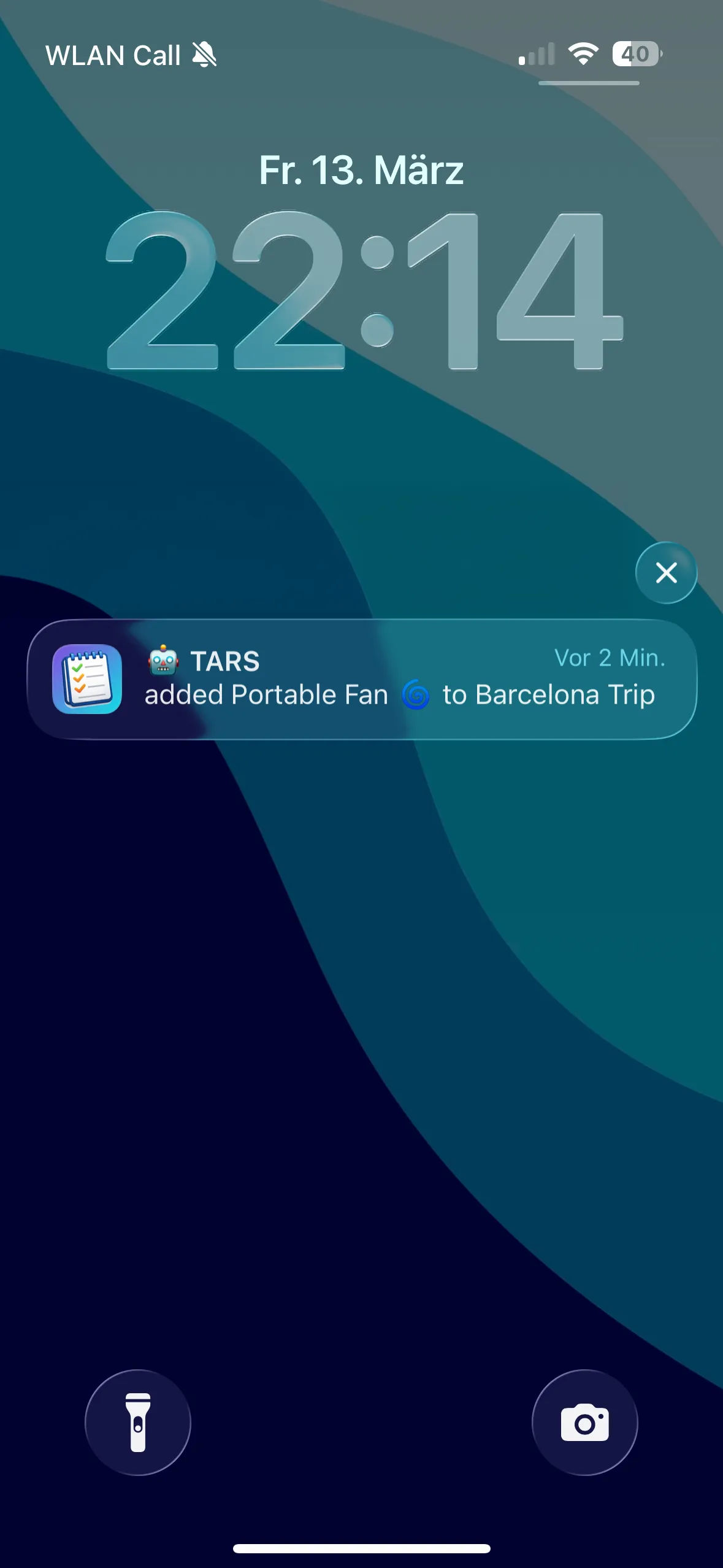
LystBot ships with a built-in MCP server, listed in the official MCP Registry. MCP (Model Context Protocol) is the open standard that lets AI assistants like Claude interact with external tools. When Claude says "Done," LystBot makes it true.
Setup for Claude Desktop (one line in your config):
{"mcpServers":{"lystbot":{"command":"npx","args":["lystbot","mcp"]}}}Setup for Claude Code:
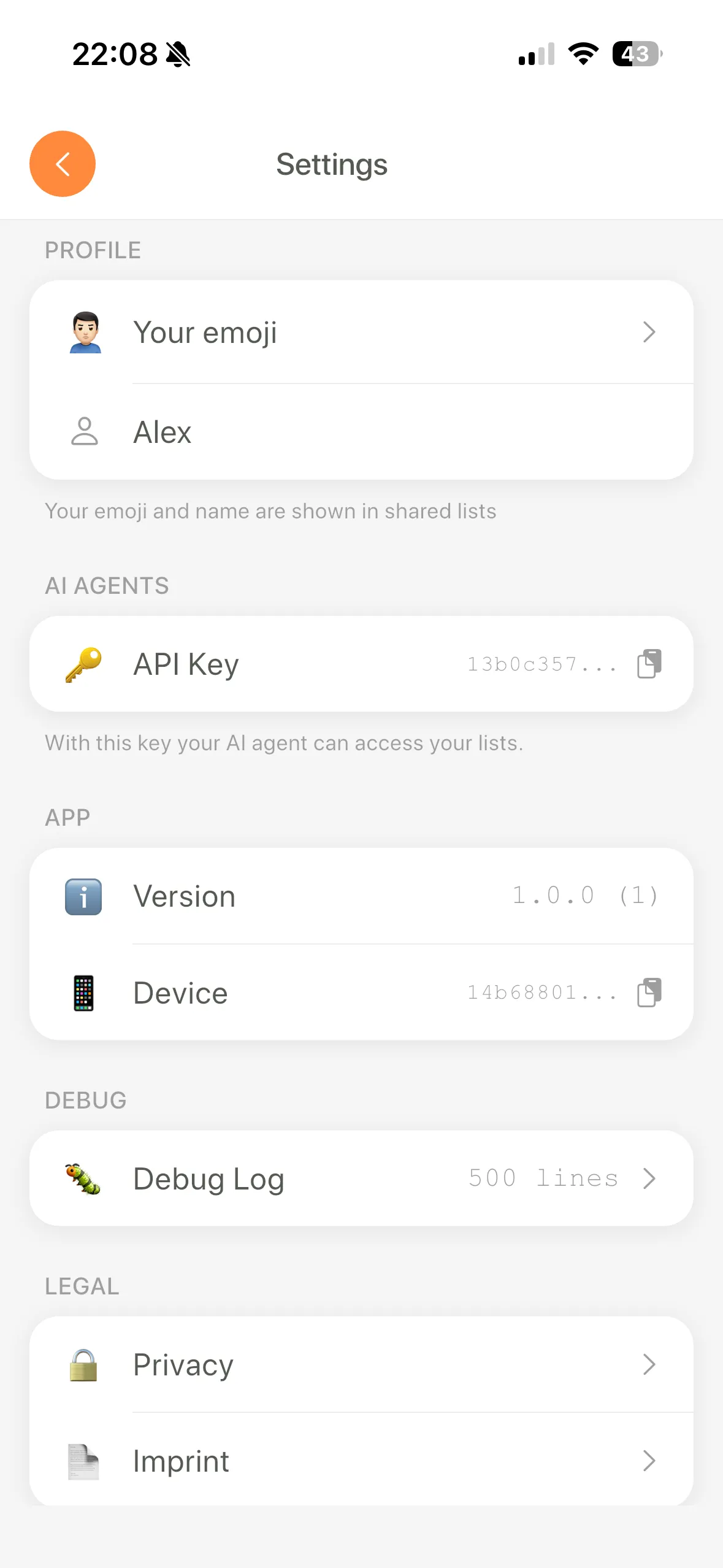
claude mcp add lystbot -- npx lystbot mcpGetting your credentials takes five seconds: open Settings, tap AI Agents, copy the code.
Download LystBot free on the App Store and Google Play and try it with your AI assistant.
AI List App for Developers: CLI, API, and Open Source
LystBot also exposes a CLI and REST API for automation, AI agents like OpenClaw, and custom integrations.
CLI example:
npx lystbot login <YOUR_API_KEY>
lystbot create "Weekend Groceries" --emoji "🛒"
lystbot add "Weekend Groceries" "Avocados, Sourdough bread, Coffee beans"
lystbot check "Weekend Groceries" "Coffee beans"
REST API for anything custom. The API docs cover all endpoints.
The CLI and MCP server are open source on GitHub. Read the code, open issues, contribute.
Coming soon: recurring list templates, AI-powered item suggestions based on your purchase patterns, Slack and Discord integrations, and real-time collaboration with live cursors.
The Bottom Line
LystBot is an ai list app that gives your AI assistant real access to your lists. It works as a grocery list app for families with shared lists that sync in real time, and as far as we've found, it's the first list app with a built-in MCP server for direct AI integration. Tell Claude to add items and they show up on your phone within seconds. Free, open source, iOS and Android.