
Best AI to do list app: choose by the connection you need
The best AI to do list app for a Claude workflow needs a connection that saves tasks in the list you use. LystBot provides that connection through an official API key and a local MCP server, registered with claude mcp add lystbot -- npx lystbot mcp after CLI login.
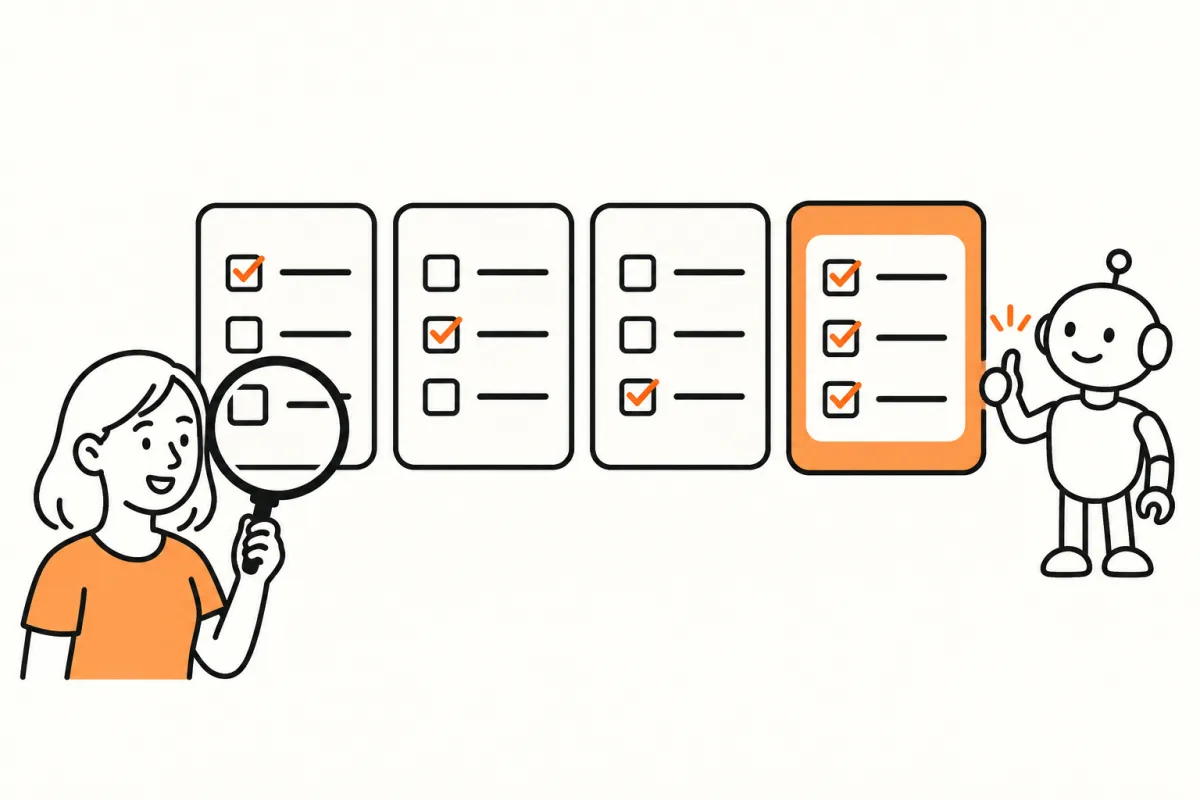
For Claude with a local MCP client, LystBot is a practical choice because it documents an official API-key connection and a local server. For someone already using Gemini, Google's documented Keep connection may meet the need without moving lists. Those are different workflows, and a single overall ranking would hide the difference.
This is a connection-focused comparison from the makers of LystBot. It covers the documented routes below, not an exhaustive test of task managers. We haven't assigned scores for scheduling, writing quality or features that our sources don't establish. The useful comparison is smaller: what can connect, which credentials does it need, and how do you prove an item was saved?
Compare the route, not the AI label
An AI to do list workflow has two parts. The assistant interprets a request; the list app stores the result. A useful test covers both. Ask for one item, inspect the tool result and then open the app where you expect to find it.
| App | Documented route relevant to this comparison | Access detail to check |
|---|---|---|
| LystBot | Official local MCP, CLI and REST in the agent docs | The same LystBot API key is used by all three interfaces. |
| Google Keep | Gemini Apps can create and show notes and lists | Google Workspace must be connected to Gemini Apps. |
| AnyList | Community MCP server | This unofficial route requires the account email and password. |
| OurGroceries | Community MCP server | Its login takes email and password and saves an authentication cookie and team ID. |
The table doesn't establish that every app has the same assistant capabilities. It gives you the route and its authentication model so you can decide which deserves a trial. A familiar app with a connection that already meets your need can be a sensible choice even when another product offers more interfaces.
LystBot for a Claude or terminal workflow
LystBot's official agent page documents a local stdio MCP server, a CLI and a REST API. The MCP server exposes 26 tools. These include list reads, item changes, sharing, categories, attachments and reminders. Your assistant and the mobile app work on the same lists.
That makes LystBot a fit when you want Claude to turn a conversation into saved items, or when some additions come from ordinary scripts. You can inspect a list with the CLI without asking an assistant to interpret anything. You can then use MCP for requests that do need language interpretation.
There are limits to keep in view. The server has no hosted MCP URL, so a client that only accepts remote endpoints cannot use the local process directly. The documented HTTP route is REST. ChatGPT integration is coming soon. Don't choose today's setup on the assumption that a future connection already works.
The current agent page describes LystBot as free during launch, with no account needed. That wording is the offer we're referring to, rather than a promise about future pricing. The API key still needs to be kept private even though no account password is required for the documented setup.
Google Keep when Gemini is already your assistant
Google documents creating and showing Keep notes and lists from Gemini Apps. The same page requires a Google Workspace connection to Gemini Apps. If that's the assistant workflow you want, test it before assuming you need a new app.
For a custom integration, the official Keep API guide addresses enterprise administrators. It doesn't establish an open personal API-key flow. The Keep comparison explains that distinction and the separate community routes.
A community route has a different access decision. The keep-mcp project says it uses an unofficial private API and warns that a Google master token has full account access. That's a substantial credential choice for someone whose original goal was simply to save a checklist. Read the warning before choosing that path.
Existing grocery apps may deserve to stay
AnyList documents Siri item entry. Its Alexa instructions require "ask AnyList" or "tell AnyList" after changes to Amazon's list integration, and a separate notice reports recognition problems beginning in March 2026. Evaluate the route you actually use, including those limitations.
For a developer connection, the AnyList community MCP server requires email and password. Our AnyList guide discusses that credential model and a manual parallel trial. We're not treating a community server as proof of official vendor support.
OurGroceries documents Alexa, Siri, computer and watch access. Its community MCP server has an email-and-password login with a saved cookie and team ID. The OurGroceries comparison separates those routes. If a household already likes its existing shopping routine, an assistant experiment doesn't automatically justify moving it.
Run a concrete LystBot trial
Copy your API key from Settings, then AI Agents in the LystBot app. In a terminal with npx available, use the documented commands:
npx lystbot login YOUR_API_KEY
npx lystbot lists
Replace the placeholder with your key. The credential is stored in ~/.lystbot/config.json. Confirm that the returned lists are yours before writing anything. A wrong result here is a reason to fix authentication or the environment, not to continue and hope the assistant sorts it out.
For a fresh grocery test, use the reference example below. Read an existing list first if you already have one with this name:
npx lystbot create "Groceries" --type shopping --emoji "🛒"
npx lystbot add "Groceries" "Milk, Eggs, Bread"
npx lystbot show "Groceries"
Open the app and check the names. Then register the local server for Claude Code with the documented command:
claude mcp add lystbot -- npx lystbot mcpAsk Claude to read the lists and then the grocery list you just inspected. For the first write, request one recognizable item and read the list back. Inspect it on the phone too. This proves more than a tool appearing in a menu: it tests a saved change at the destination.
The Claude Code walkthrough covers that setup in detail. Use the developer reference when you need the full command or endpoint contract.
What to check during a real week
Try the workflow when you're busy, not just while you're configuring it. Does a request land in the intended list? Can another person find it? When you ask to check an item, does the saved state match what you expected? Write down any mismatch before rerunning the request.
Review the assistant's proposed interpretation for larger jobs. "Organize the weekend" leaves many decisions open. A better starting request names the list and asks for a draft of the items before saving them. An AI task manager is still working from the information you provide; a connected tool doesn't give it knowledge of your plans or pantry.
Keep your previous lists available while testing. This article doesn't establish automatic migration between the compared apps. Copy a short active checklist manually, choose one authoritative list for that activity and complete a real errand. If the connection adds more work than it removes, keep the simpler routine.
FAQ
Which option should I try for Claude Code?
LystBot has an official local MCP setup documented in its agent guide. Authenticate first, register the server and verify a read before requesting one small change.
Do I have to switch apps if I use Gemini?
No. Google documents a Gemini Apps connection to Keep, with Google Workspace connected. Test whether that route meets your actual need before moving lists.
Does an API key remove all credential concerns?
No. A LystBot API key is a secret. The documented difference is an official programmatic credential for the list app. Keep it out of public examples and check which environment stores it.
What is the most useful first test?
Read a known list, add one recognizable item and inspect the saved result in the app. If the read fails or identifies the wrong target, stop before writing. Expand the workflow only after that small test works.
For examples, read about agents saving shared tasks and Claude grocery lists.