
Manage Shopping Lists from the Terminal
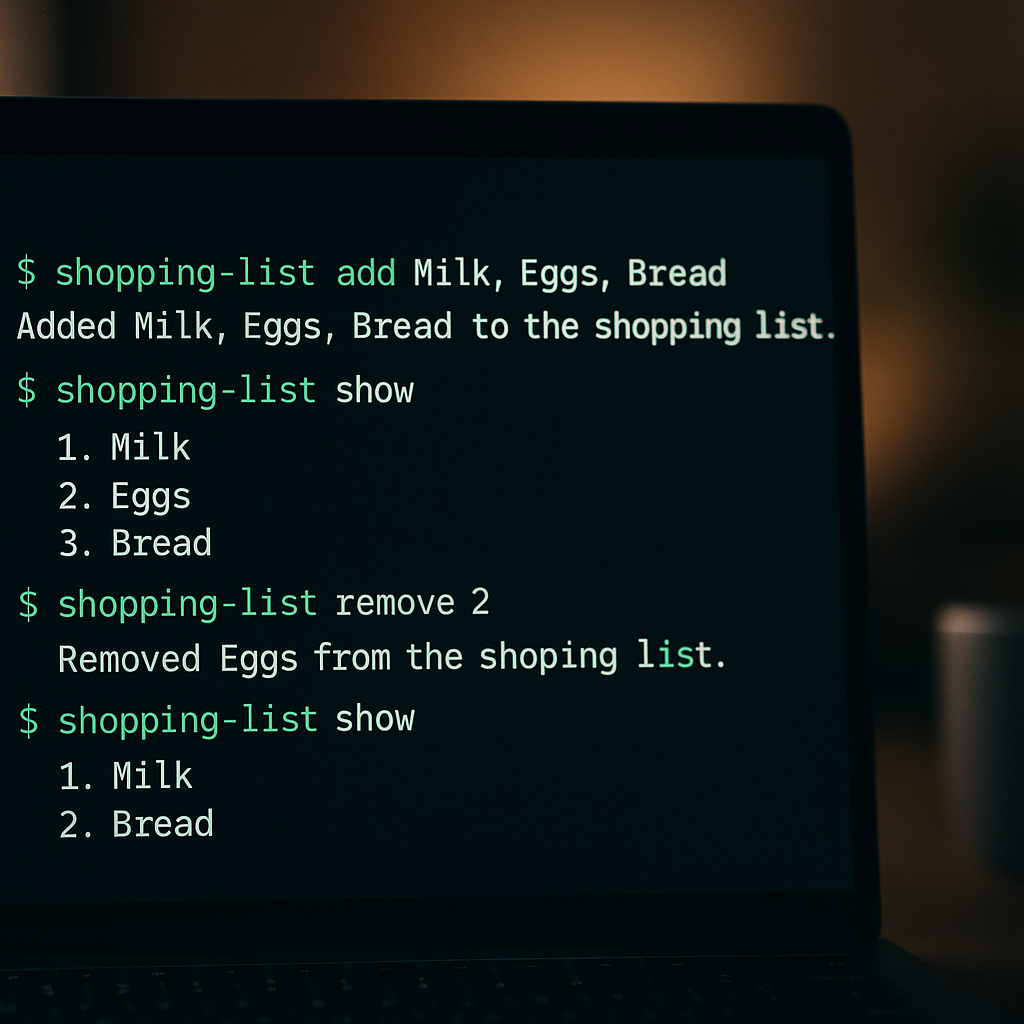
I catch myself doing it ten times a day. I'm in the terminal, deep in a task, and I remember we're out of coffee. So I grab my phone, unlock it, find the list app, wait for it to load, type "coffee," put the phone down, and try to remember what I was doing. Twenty seconds and one broken train of thought later, I'm back. Multiply that by every item, every day. It adds up.
What if you could manage your shopping list from the terminal? Same window, same keyboard, same flow. That's what LystBot CLI does. One command, item added, back to work. No app switching, no phone grabbing, no context destroyed.
TL;DR
- Install:
npm install -g lystbot - Login:
lystbot login - See your lists:
lystbot lists - Add items:
lystbot add "Groceries" "Milk, Eggs, Bread" - Check items off:
lystbot check "Groceries" "Milk" - Everything syncs to the phone app in real time
Why the terminal beats a phone app (for some of us)
I timed it once. Adding three items to a grocery list on my phone: unlock, find app, wait for sync, tap the list, tap the input field, type, tap add, repeat. 34 seconds. The same three items from the terminal:
lystbot add "Groceries" "Milk, Eggs, Bread"Under 4 seconds including typing. That's not a marginal improvement. That's an order of magnitude.
But speed is only half of it. The real win is staying where you are. Developers, sysadmins, writers who live in the terminal, anyone who works with a keyboard-first setup knows that reaching for your phone is a micro-interruption. Research from the University of California found that it takes over 23 minutes to fully regain focus after a distraction. A grocery list item shouldn't cost you that.
A cli shopping list tool keeps your hands on the keyboard and your head in the game.
Setup in 2 minutes
Install
npm install -g lystbotThat's it. Node.js 18+ required. If you'd rather not install globally, npx lystbot works too.
Login
lystbot loginOpens your browser, you authenticate, the CLI stores your token locally. One-time thing.
Verify
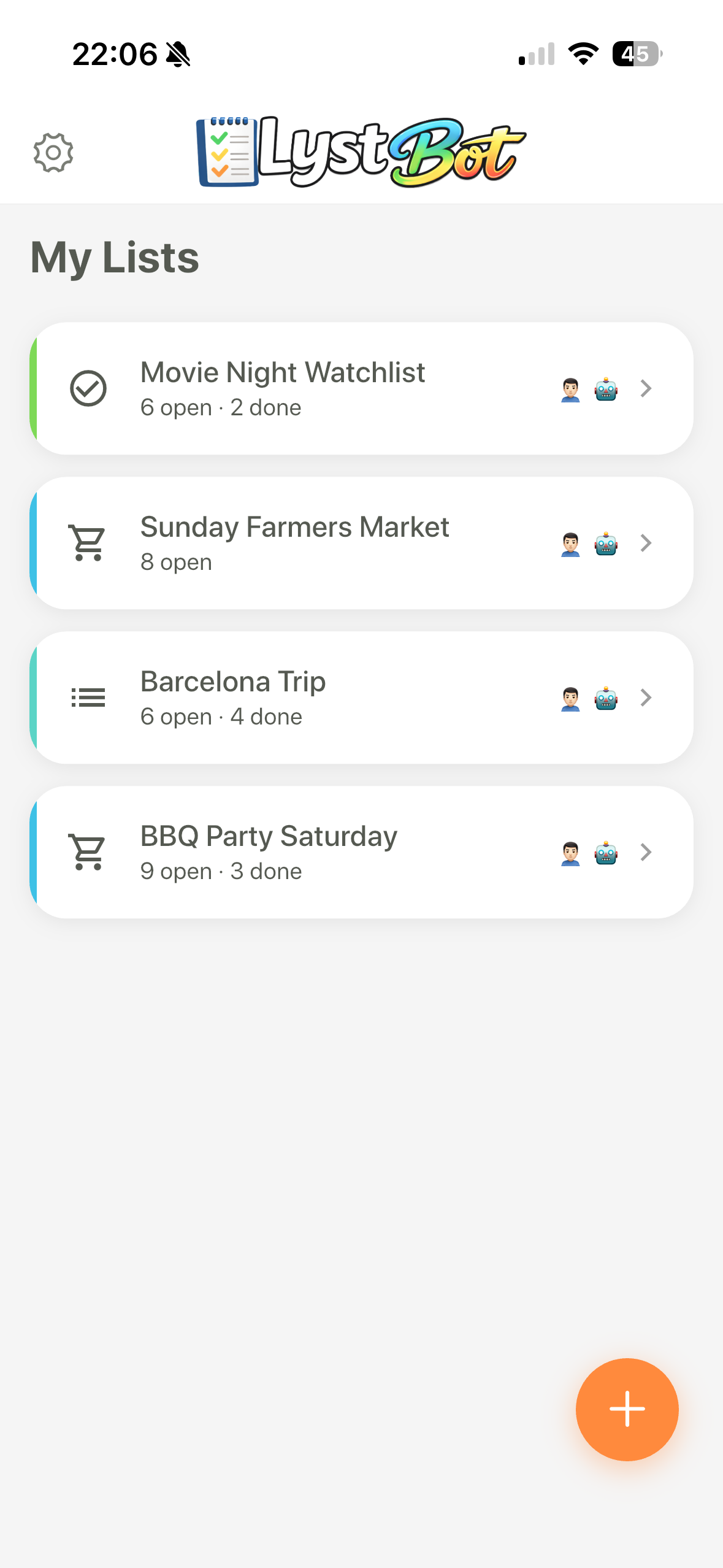
lystbot listsYou should see your existing lists. If you're new to LystBot, download the app first and create a list there. Or create one from the terminal (we'll get to that).
The commands you'll actually use
Here's every command that matters, with real examples. No hypotheticals.
See all your lists
lystbot listsShows list names, item counts, and types. Quick overview without opening anything.
Show a specific list
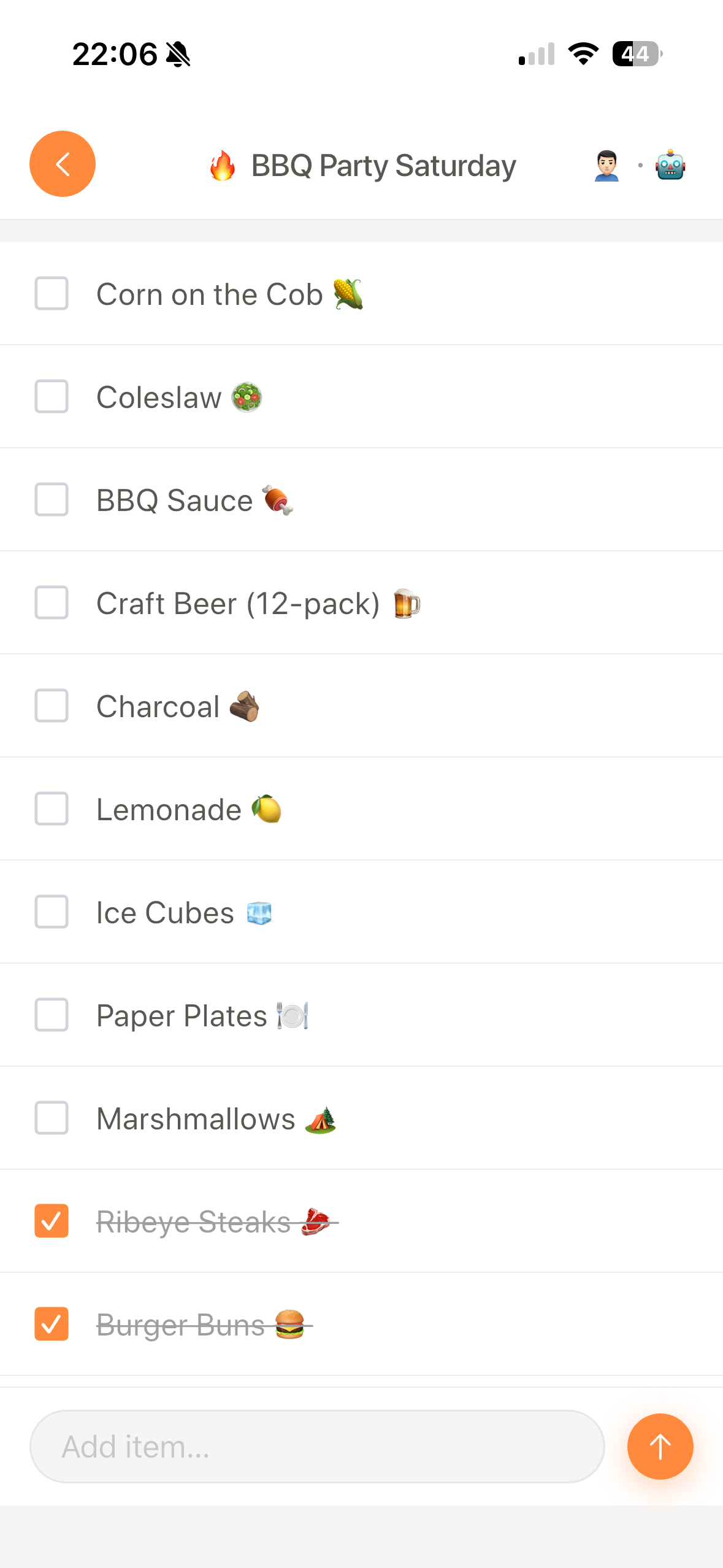
lystbot show "Groceries"Prints every item with its status (checked or not). Pipe it if you want:
lystbot show "Groceries" | grep milkThat's the kind of thing you can't do in a phone app. Filtering, searching, piping output into other tools. The command line grocery list becomes just another data stream you can work with.
Add items
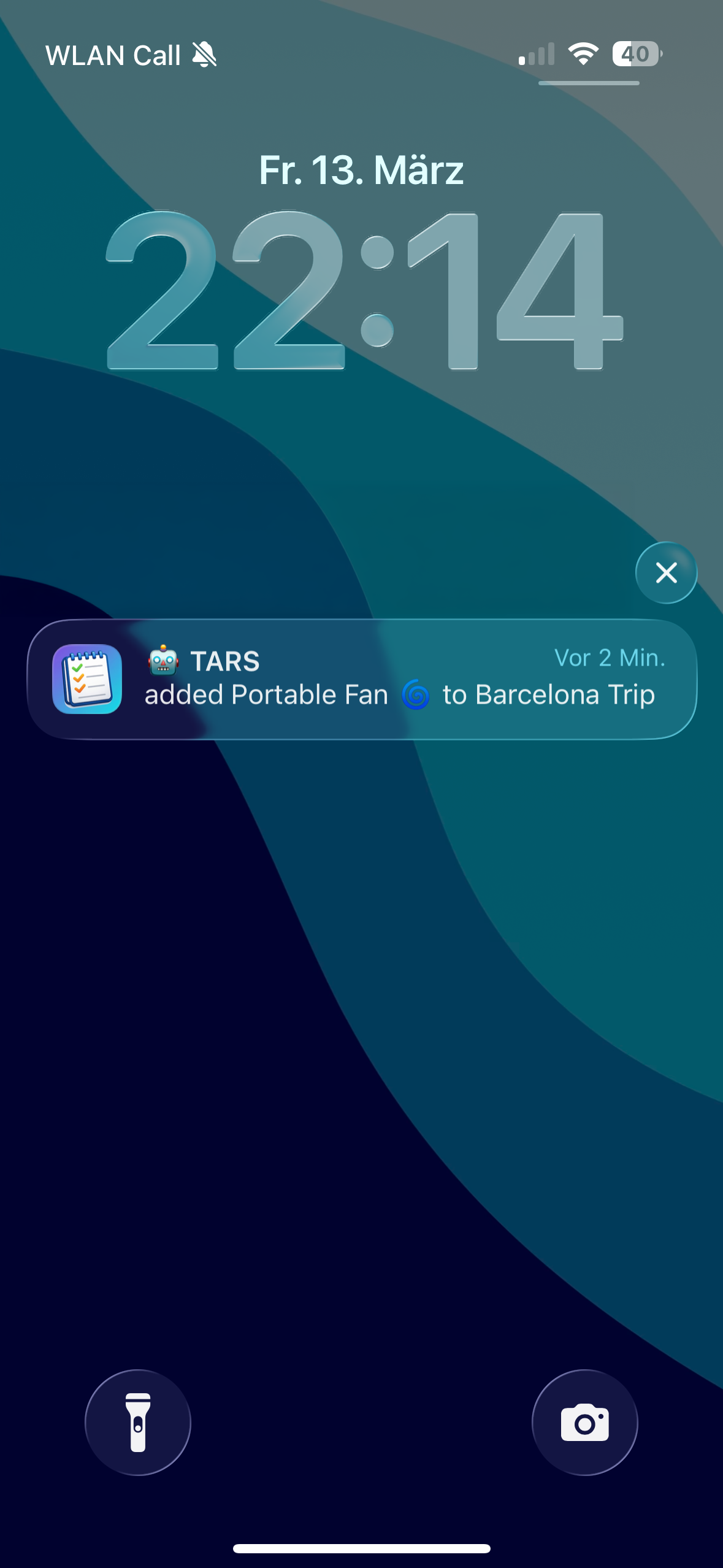
lystbot add "Groceries" "Oat milk, Bananas, Sourdough bread"Comma-separated, all in one command. Items sync to every device on the list immediately. Your partner's phone buzzes with a push notification before you've hit Enter on your next command.
Check items off
lystbot check "Groceries" "Oat milk"Fuzzy matching works here. You don't need to type the exact item name. "oat" would match "Oat milk" if there's no ambiguity.
Remove an item
lystbot remove "Groceries" "Bananas"Gone. No confirmation dialog, no "are you sure?" popup. Terminal users know what they typed.
Create a new list
lystbot create "BBQ Saturday" --type shoppingTypes are shopping, todo, packing, and generic. Pick what fits.
Share a list
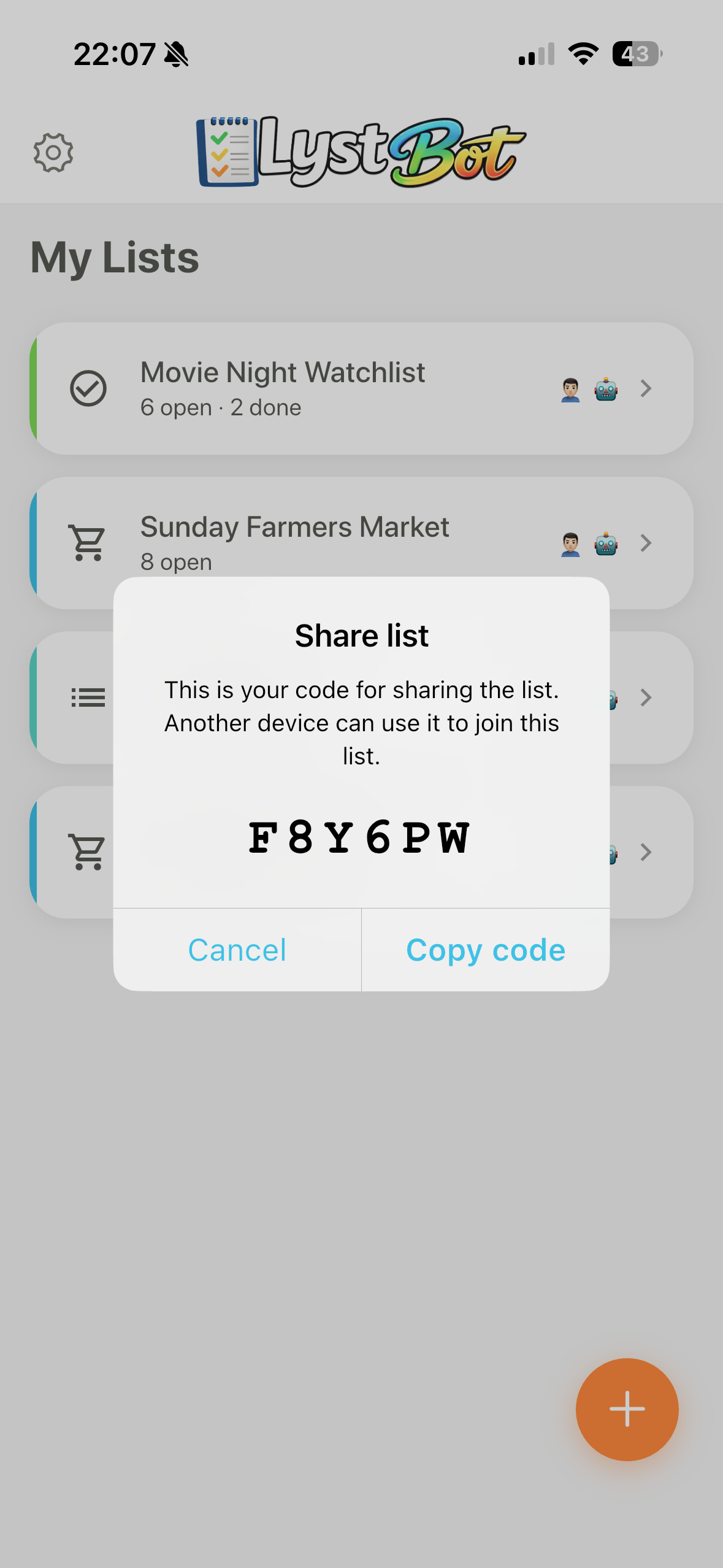
lystbot share "Groceries"Generates a 6-character code. Send it to anyone. They join from the app with that code, no account creation hassle.
Three workflows that actually work
Commands are nice. Workflows are where a terminal list app becomes part of how you operate.
Morning routine: clear the decks
You're having coffee, terminal open, checking things before the day starts.
lystbot show "Groceries"Yesterday you bought milk and eggs. Check them off:
lystbot check "Groceries" "Milk"
lystbot check "Groceries" "Eggs"
Glance at your todo list while you're at it:
lystbot show "Today"Two minutes, both lists reviewed and updated, without leaving your morning terminal session.
Cooking mode: shop and check
You're in the kitchen, laptop on the counter (we all do it). Recipe open in one tab, terminal in another.
lystbot show "Groceries"Check off ingredients as you pull them from the bag:
lystbot check "Groceries" "Chicken breast"
lystbot check "Groceries" "Rice"
lystbot check "Groceries" "Onions"
Realize you forgot garlic:
lystbot add "Groceries" "Garlic"Your partner is still at the store? They see "Garlic" pop up on their phone. That's real-time shared list management from the terminal.
Meal prep: batch create
Sunday evening, planning meals for the week.
lystbot create "Week 14 Groceries" --type shopping
lystbot add "Week 14 Groceries" "Chicken thighs 1kg, Broccoli 2x, Sweet potatoes, Greek yogurt, Quinoa, Lemons, Garlic, Ginger, Soy sauce"
Two commands. Nine items. List created, populated, and already syncing to your partner's phone. The same thing in a phone app would take you through at least 12 taps and probably a typo or two.
Ready to try it? Install LystBot CLI and manage your shopping lists from the terminal:
npm install -g lystbotThe CLI docs have the full command reference. Setup takes under two minutes.
Pipe-friendly by design
The CLI outputs clean text you can pipe, grep, and script with. Some examples:
Find a specific item across all lists:
lystbot lists | while read list; do echo "=== $list ==="; lystbot show "$list" | grep -i "milk"; doneExport a list to a file:
lystbot show "Groceries" > groceries.txtAdd items from a file:
cat weekly-staples.txt | xargs -I {} lystbot add "Groceries" "{}"If you've ever tried to export or script anything with a regular grocery app, you know this is unusual. Most list apps treat your data like it's theirs. LystBot treats your lists as data you own and can move however you want.
CLI vs. phone app: when to use which
I don't think the CLI replaces the phone app. They're for different moments.
Use the CLI when:
- You're already in the terminal
- You want to batch-add items
- You're scripting or automating
- You're at your desk and your phone is across the room
Use the phone app when:
- You're at the store checking things off physically
- You want to browse lists visually
- You're sharing a list with someone who doesn't use a terminal
The whole point is that both interfaces hit the same backend. Add something from the CLI, it's on the phone. Check something on the phone, it's gone from CLI output. One list, multiple ways in.
Beyond the CLI: API and MCP
The CLI is one of three ways to manage lists from the terminal. LystBot also has a REST API for building automations (cron jobs, Slack bots, Home Assistant triggers) and an MCP server that lets AI assistants like Claude manage your lists in natural language.
All three talk to the same backend. Pick whichever fits the task:
- CLI for quick manual commands
- API for programmatic automation
- MCP for AI-assisted list management
If you're curious about what else you can build, we covered 4 real API automations and 10 MCP server use cases in separate posts.
Get started
LystBot CLI is free. The app is free. No paywalls, no feature gating.
- Install the CLI:
npm install -g lystbot(npm package) - Login:
lystbot login - Add your first item:
lystbot add "Groceries" "Coffee"
See it appear on your phone. That moment when a terminal command updates your shared shopping list in real time, that's when it clicks.
Full docs: lystbot.com/docs/cli