The Only List App With a REST API, CLI, and MCP Server
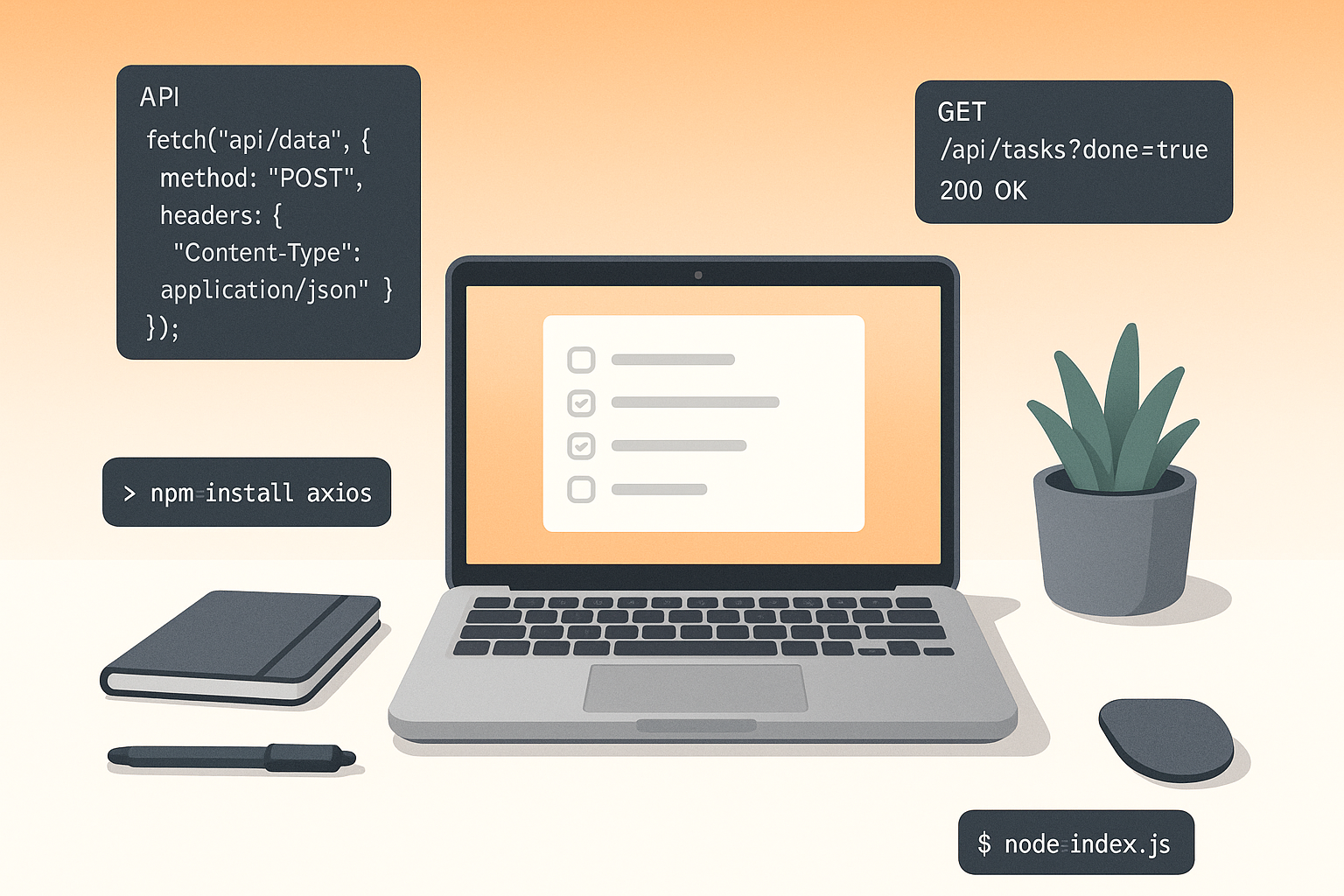
Try adding "milk" to your grocery list from a script. Go ahead. I'll wait.
Todoist has an API, but it's buried behind OAuth flows and rate limits that make simple automations painful. AnyList? No API. Google Keep? Google killed the unofficial API years ago and never replaced it. Apple Reminders? You need an entire Apple device and Shortcuts to get anywhere.
I built LystBot because I wanted a list app for developers. One where curl is a first-class citizen, where your AI assistant can actually modify your grocery list, and where npx gets you a working CLI without installing anything.
REST API
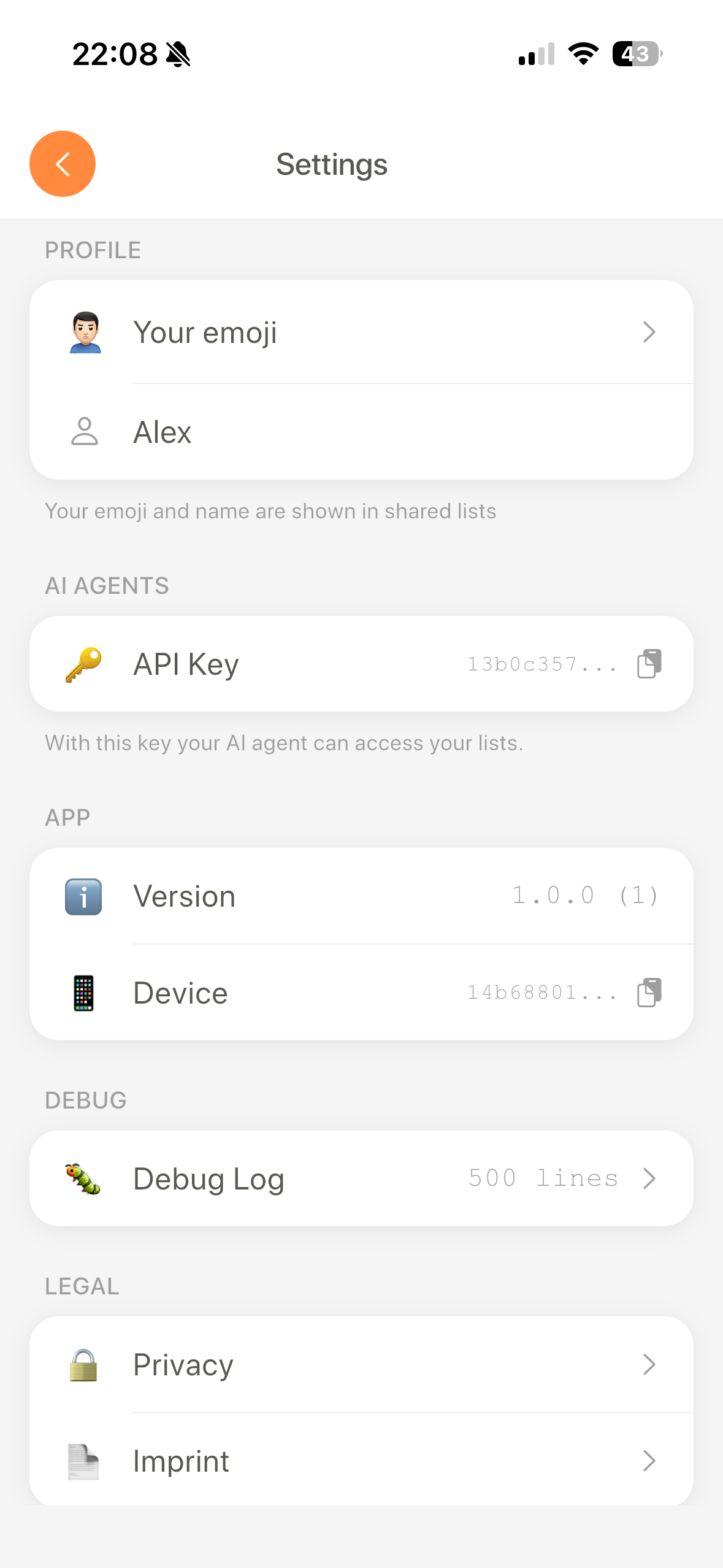
You get an API key from the app settings. Five seconds, no OAuth dance.
Then you talk to your lists like a normal person talks to a REST API:
# Create a list
curl -X POST https://api.lystbot.com/lists \
  -H "Authorization: Bearer YOUR_API_KEY" \
  -H "Content-Type: application/json" \
  -d '{"title": "Grocery Run", "emoji": "🛒"}'

# Add items
curl -X POST https://api.lystbot.com/lists/LIST_ID/items \
  -H "Authorization: Bearer YOUR_API_KEY" \
  -H "Content-Type: application/json" \
  -d '{"items": ["Oat milk", "Sourdough", "Avocados"]}'

# Check off an item
curl -X PATCH https://api.lystbot.com/lists/LIST_ID/items/ITEM_ID \
  -H "Authorization: Bearer YOUR_API_KEY" \
  -H "Content-Type: application/json" \
  -d '{"checked": true}'
No scopes, no token refresh, no 47-page OAuth guide. A todo app REST API that works like you'd expect a REST API to work.
Full endpoint docs are at lystbot.com/agents.
MCP server
LystBot ships an MCP server so your AI assistant can manage your lists directly. Not "pretend to manage" like ChatGPT does when it cheerfully says "Done!" while nothing happens on your phone. Actually manage.
Claude Desktop config:
{
  "mcpServers": {
    "lystbot": {
      "command": "npx",
      "args": ["lystbot", "mcp"]
    }
  }
}
Cursor / Windsurf: Same setup in your MCP config file.
Claude Code:
claude mcp add lystbot -- npx lystbot mcpOnce connected, you can say "find a carbonara recipe and add the ingredients to my grocery list." Claude reads the recipe, creates the items, and your phone buzzes with a push notification. The items are on your list when you walk into the store.
This is what MCP server list management looks like when the app was built for it from day one, not bolted on as an afterthought.
CLI
Sometimes you don't need AI. You need a terminal.
npx lystbot login YOUR_API_KEY
npx lystbot lists
npx lystbot create "Moving Checklist" --emoji "📦"
npx lystbot add "Moving Checklist" "Cancel internet, Forward mail, Pack kitchen"
npx lystbot check "Moving Checklist" "Cancel internet"
Pipe JSON output into jq, feed it to other scripts, wire it into CI/CD. A shopping list CLI that plays nice with Unix pipes.
npx lystbot lists --json | jq '.[].title'No global install needed. npx pulls it from npm and runs it.
Shared lists and real-time sync
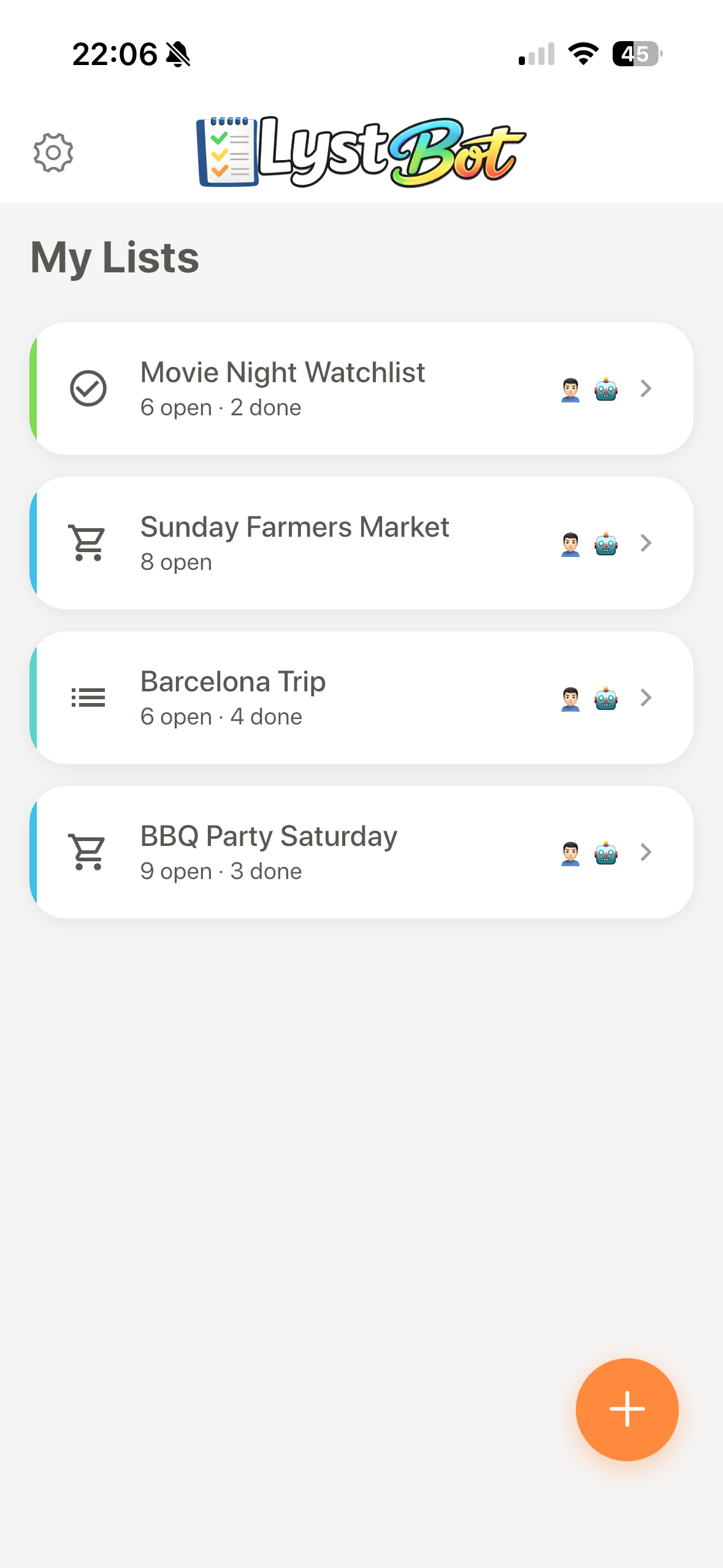
LystBot is still a proper list app. You share lists with family, roommates, whoever. Changes sync in real time across all devices.
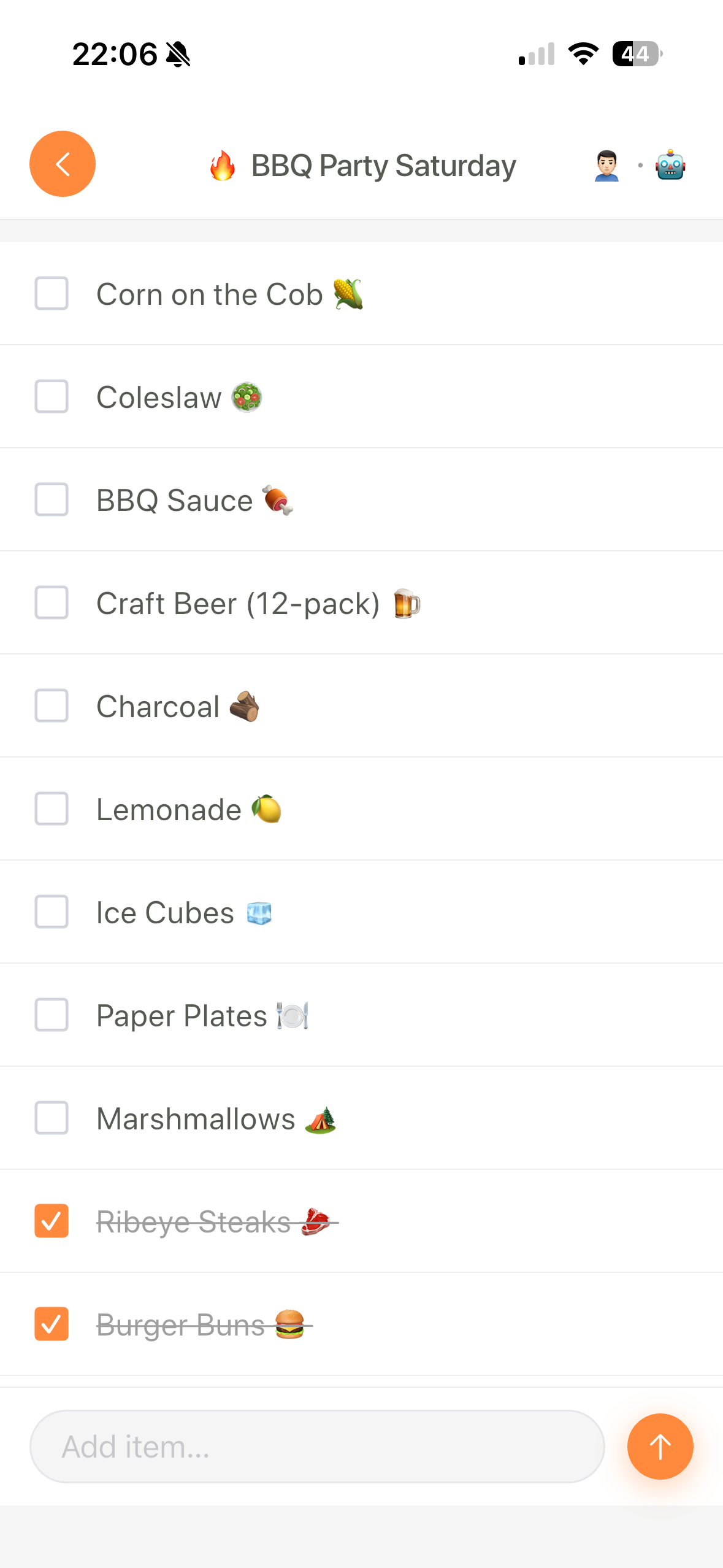
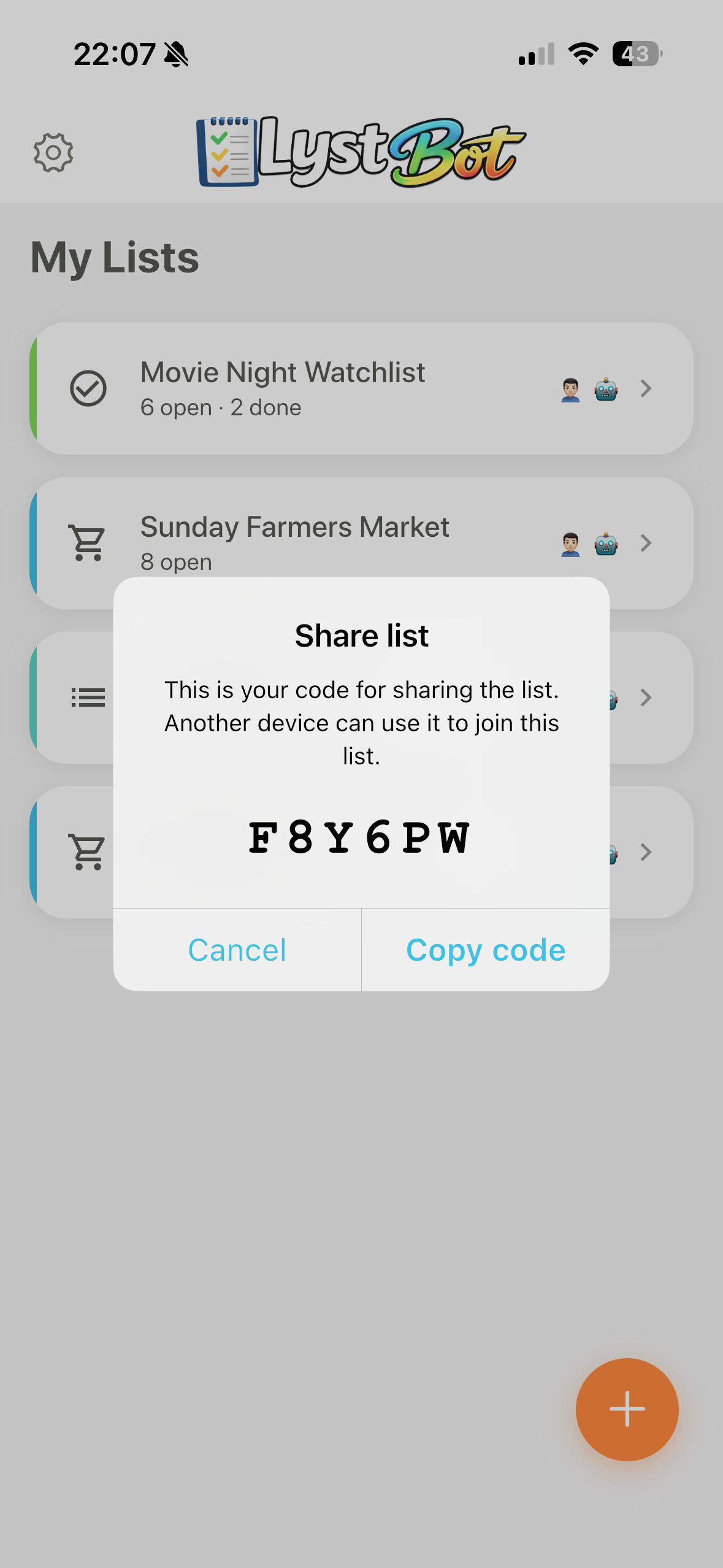
Share codes make it easy to invite people. No account creation required for the person joining.
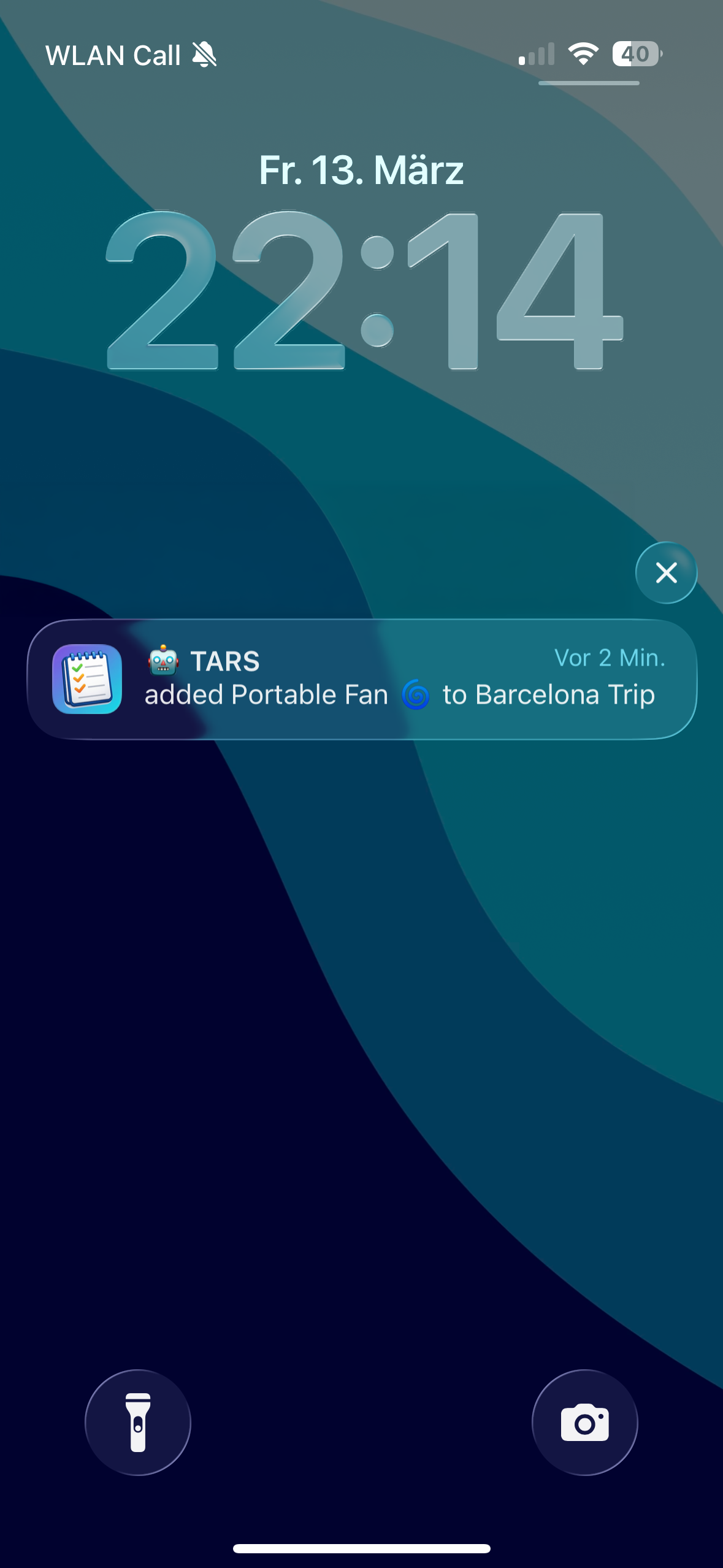
Push notifications tell you when someone adds or checks off items, whether that someone is your partner or your AI agent.
Open source and free
The CLI and MCP server are open source on GitHub. Read the code. Open issues. Send PRs.
The app is free. No account walls, no credit card prompts, no "free tier with 3 lists." You install it, you use it.
If you're looking for a programmable list app or a headless list management tool that doesn't fight you, this is the one.
Get LystBot
iOS App Store · Google Play · Docs · GitHub · npm