Family Grocery List App: 3 That Actually Work
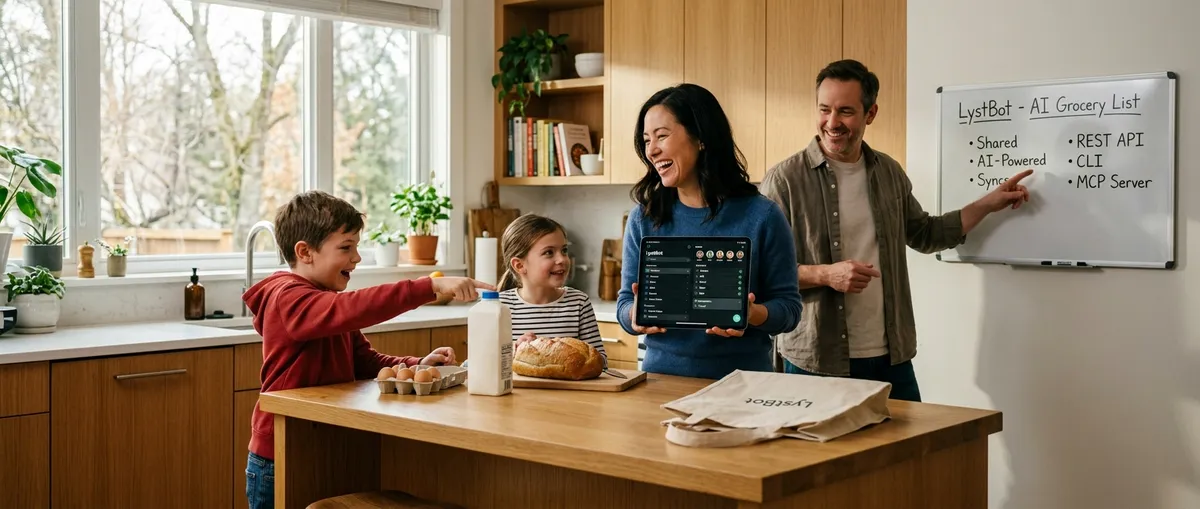
Last Tuesday my partner texted me "get stuff for tacos" while I was already at the store. No list. No specifics. I came home with ground beef, hard shells, and shredded cheese. She wanted fish tacos with soft tortillas and cabbage slaw. We ate ground beef hard-shell tacos and nobody was happy.
A family grocery list app would have prevented that. Not a texting thread, not a shared note, not a "just remember what we need" system. An actual app where everyone in the household sees the same list, edits happen in real time, and you get a notification when someone adds something.
I've tested over a dozen options. Three stand out for families in 2026.
TL;DR: The best family grocery list app depends on how your household works. AnyList is best for families who meal plan from recipes. OurGroceries wins on simplicity and voice assistants. LystBot is the pick if you want zero-friction sharing, automation, or AI integration. All three are free to start. Detailed breakdown below.
Family Grocery List App: What Families Actually Need
Most grocery list app reviews test features in isolation. That misses the point. A family shopping list app has to survive real family dynamics: different phones, different comfort levels with technology, different schedules, and the universal reality that nobody wants to create another account for another app.
Here's what I've learned matters most after three months of testing with a household of two adults and a teenager.
Zero-friction sharing. If the app requires both people to create accounts, verify emails, and exchange invite links, someone in your family won't do it. The easier the sharing, the more likely everyone participates. Share codes beat email invites. Email invites beat "search for the person's username."
Cross-platform sync. A grocery list app for family use needs to handle mixed phones. One person on iPhone, another on Android, maybe a teen on an older device. Apple Reminders fails here immediately. Google Keep works across platforms but isn't built for grocery lists (no check-off behavior, inconsistent sync speeds).
Real-time updates with notifications. Your partner adds avocados while you're already shopping. You need to see that item appear on your phone within seconds, not minutes. And you need a push notification so you don't have to keep refreshing. I tested sync latency across six apps. AnyList, OurGroceries, and LystBot all sync under 2 seconds. Google Keep ranged from instant to 15 seconds with no pattern.
Checked items that disappear (or don't). Families fight about this. Some people want checked items to vanish. Others want to see what was already bought. The right app for your family grocery list lets you choose.
3 Family Shopping List Apps Compared
AnyList: best for meal-planning families
AnyList has been the go-to family shopping list app since 2012. It earns that reputation with one killer feature: recipe-to-list conversion.
Import a recipe from any URL. The app parses ingredients. Tap a button. Those ingredients land on your shared list. Scale the recipe from 4 to 8 servings and the quantities adjust on the list. If your family plans meals on Sunday and shops on Monday, this workflow saves 10-15 minutes per week.
Sharing works by email invite. Both people need AnyList accounts. The free version covers list creation and sharing. AnyList Complete ($9.99/year or $14.99/year for households) unlocks the web app, meal calendar, recipe scaling, and photo attachments.
Strengths for families: Automatic aisle categorization means your list is sorted the way the store is organized. Produce with produce, dairy with dairy. You can customize categories per store if you shop at Costco on weekends and a regular grocery store during the week.
Where it falls short for families: The web app is behind the paywall, so your teenager who doesn't want "another app" on their phone can't check the list from a browser for free. No Alexa or Google Assistant support, so voice-adding items requires Siri (iOS only). No API, so you can't automate weekly staples or connect it to anything outside the app.
OurGroceries: best for mixed-tech families
OurGroceries runs on everything. iOS, Android, web, Apple Watch, Wear OS, Alexa, Google Assistant. If your family includes an iPhone parent, an Android teen, and a grandparent who talks to Alexa, OurGroceries is the only app where everyone can participate.
"Alexa, add eggs to my grocery list" works out of the box. That matters for families where typing isn't everyone's preferred input method. A 2023 NPR/Edison Research study found that 35% of US adults use a smart speaker daily. In family households, that number is higher.
Sharing is straightforward: email invite, both people see the same lists. The free version has ads. A one-time purchase removes them.
Strengths for families: Lowest learning curve of any app I tested. My mother-in-law set it up without asking for help. That's the real test of a family shopping list app.
Where it falls short for families: Recipe support is basic (no URL import, no scaling). The interface looks like 2018. No API or developer tools. If one parent is technical and wants automation, OurGroceries won't satisfy that need.
LystBot: best for families who want more control
Full disclosure: LystBot is our product. I'll cover strengths and weaknesses with the same honesty.
LystBot approaches the family grocery list problem differently. The mobile app handles the basics well: create a list, share it, items sync in real time, push notifications tell everyone when something changes.
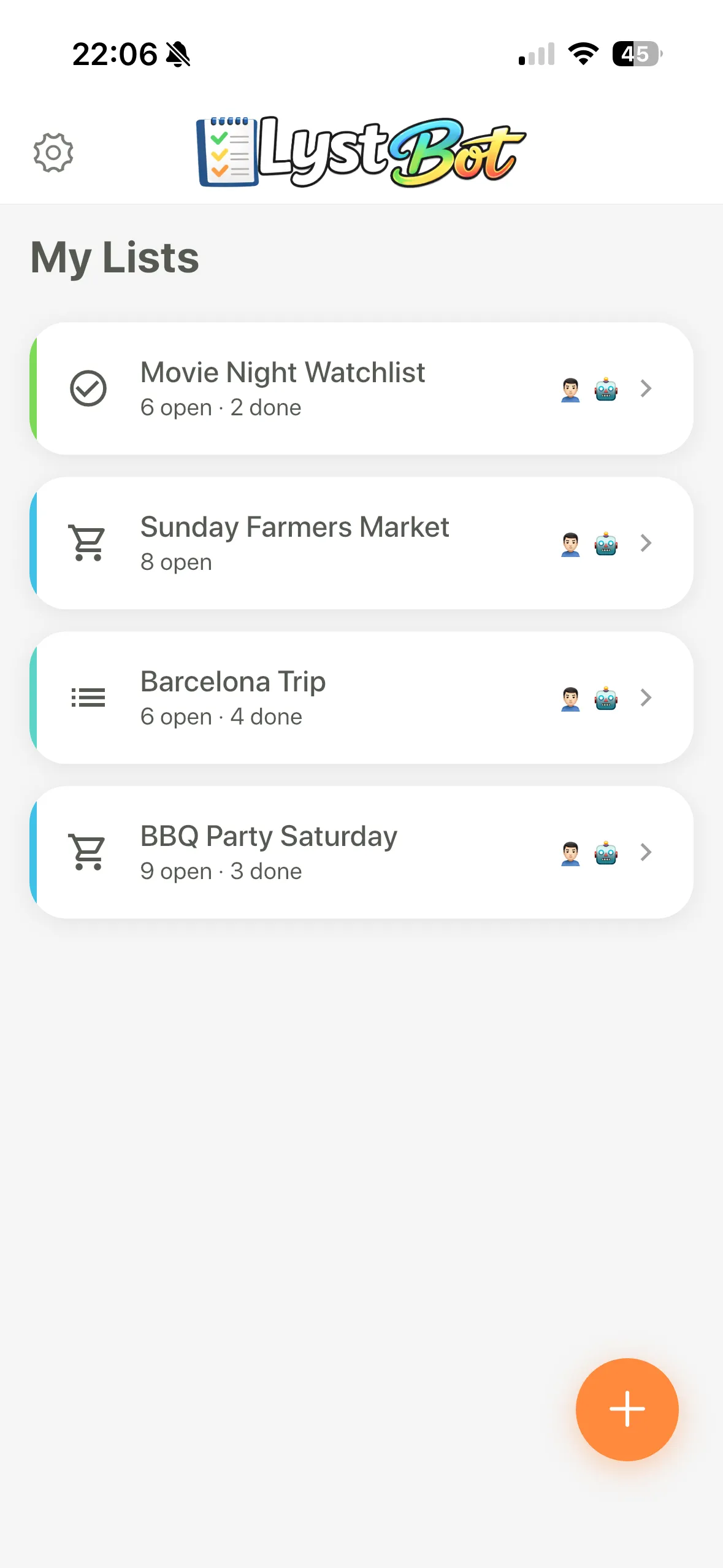
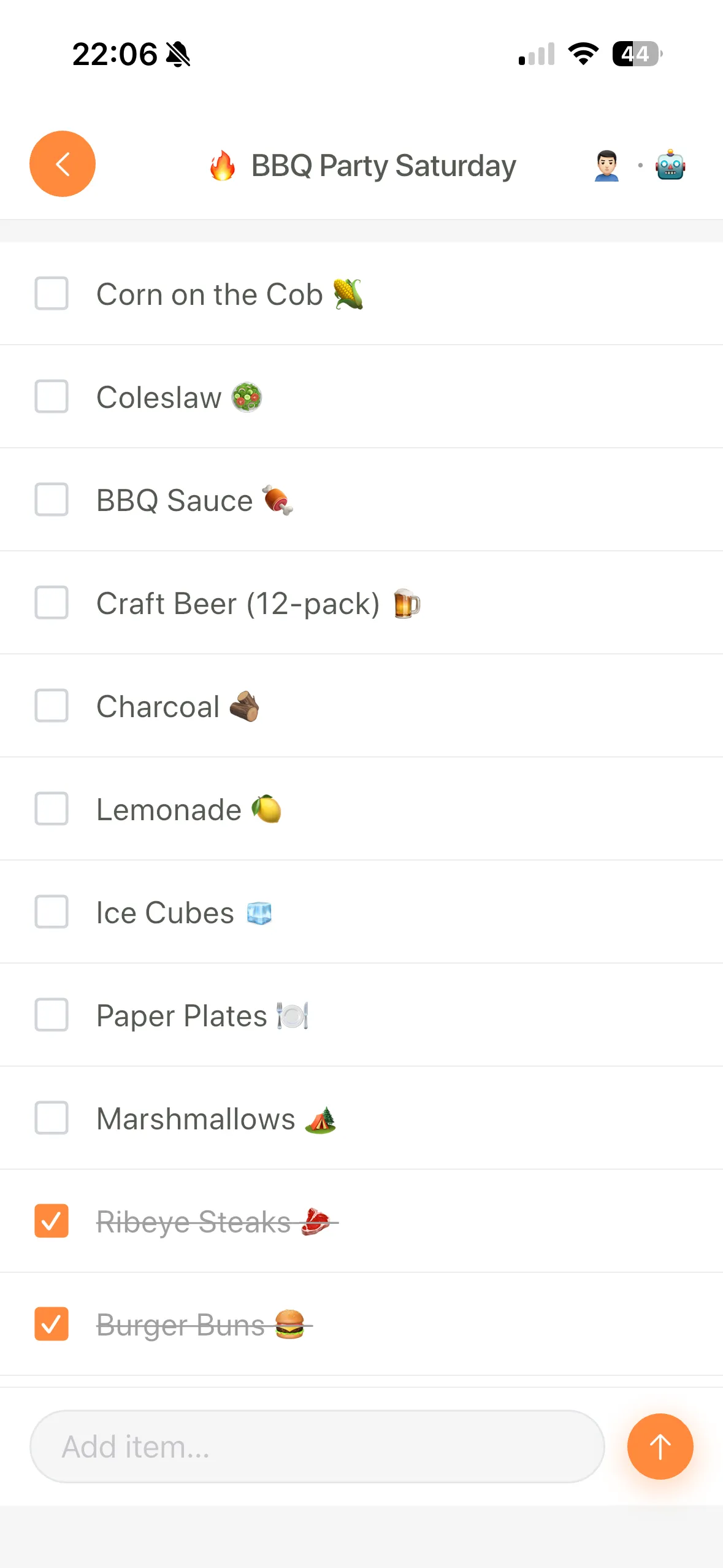
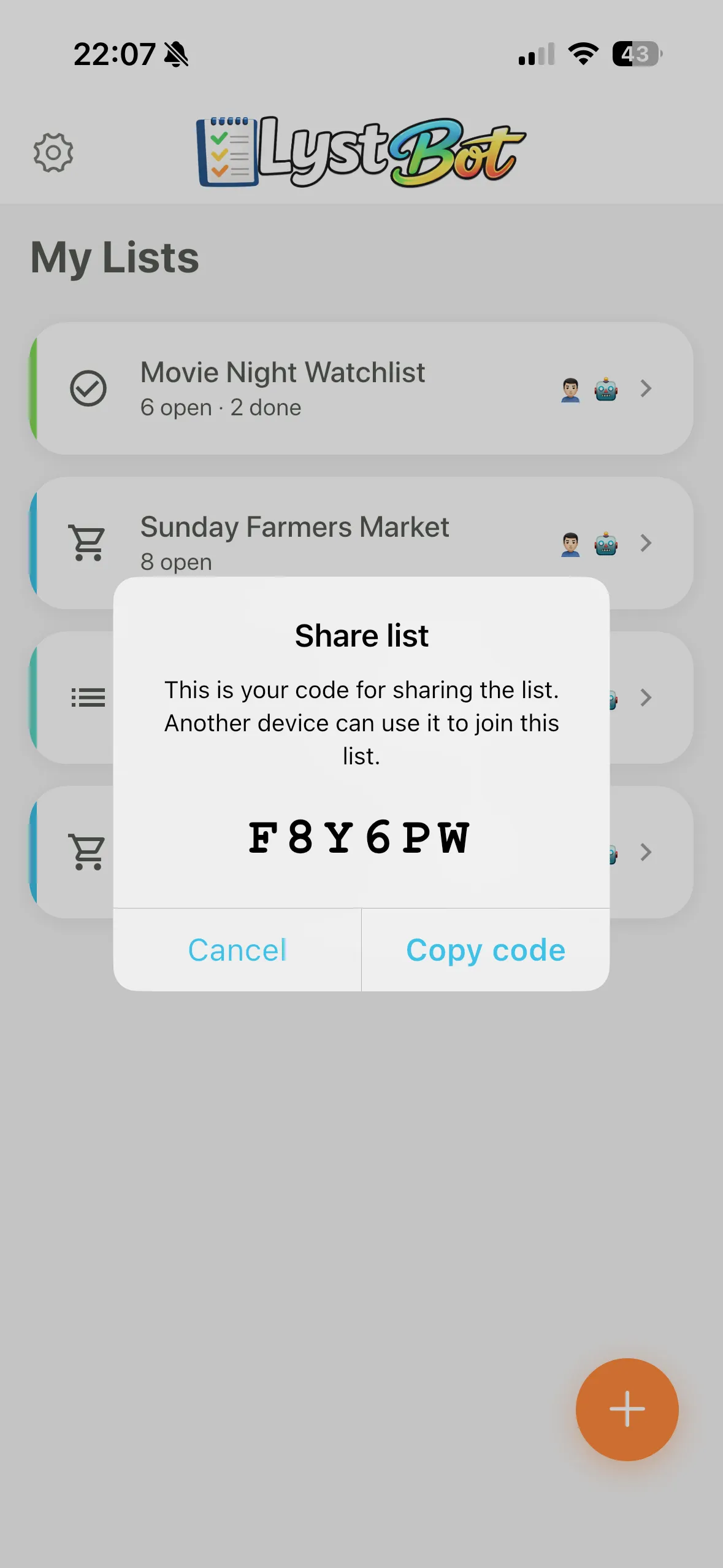
Where LystBot stands apart is the sharing flow and what sits behind the app. Sharing uses a 6-character code. No email required. No account creation for the other person. Send the code to your partner, your roommate, your teenager. They enter it and they're on the list. I timed this: under 30 seconds from "I want to share" to "both people see the same list." AnyList took over 2 minutes because of the email verification loop.
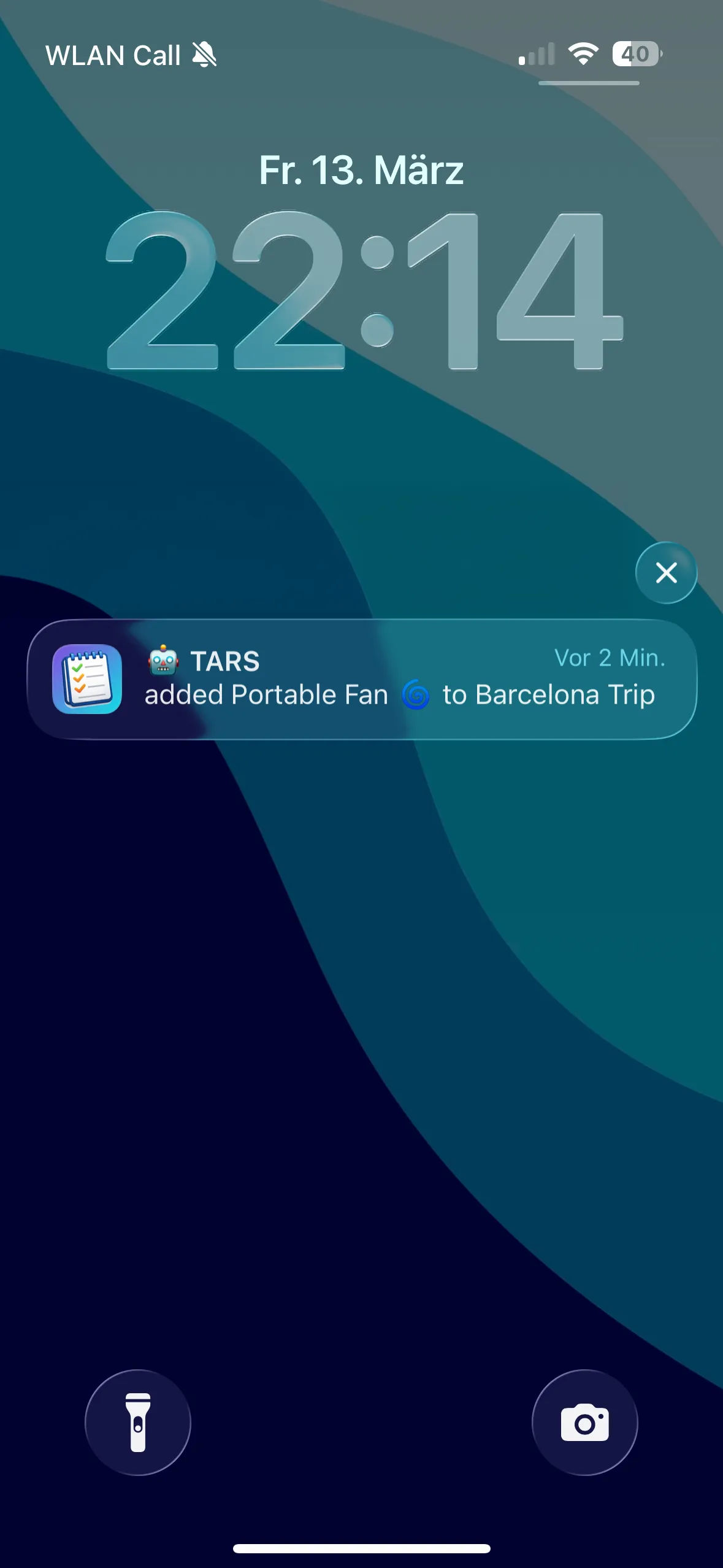
For the technical parent in the house, LystBot also has a REST API, a CLI, and an MCP server for AI assistants. Set up a cron job that adds weekly staples every Sunday. Connect it to Claude and say "add the ingredients for chicken stir fry to our family grocery list." We covered real automation setups in a separate post.
Free. No premium tier, no paywalls, no "3 shared lists then pay" limits.
Where it falls short for families: No recipe management. No voice assistant integration yet. LystBot is newer than the other two, so expect fewer polish details in edge cases.
Download LystBot free on the App Store and Google Play. Share your first family list in under a minute.
Family Grocery List App: Common Mistakes to Avoid
After helping several friends set up shared lists for their households, the same patterns come up.
Texting instead of listing. Group chats for groceries seem convenient until you scroll past 40 messages looking for who said "we need paper towels." A proper app for family grocery lists separates the list from the conversation. Items get checked off. Checked items don't get buried under memes.
Choosing an app only one platform supports. Apple Reminders is excellent if every family member owns Apple devices. The moment one person has Android, the entire system breaks. A Statcounter report from 2025 puts global mobile OS share at roughly 72% Android, 27% iOS. In most families, someone has the other phone.
Skipping notifications. A family shopping list app without notifications is a list nobody checks at the right time. Make sure every family member enables push notifications after joining. This is the single biggest factor in whether shared lists work or die within a week.
Creating too many lists. Start with one shared grocery list. Use it for two weeks. Add a second list (household supplies, for example) only when the first one is a habit. Families that start with six lists use zero lists within a month.
Family Grocery List App: Which One Fits Your Family?
Pick AnyList if your family revolves around cooking. Weekly meal plans, recipe collections, scaled servings for a family of five. The $9.99/year is worth it for the recipe workflow alone.
Pick OurGroceries if your family spans multiple platforms and comfort levels. Alexa support, minimal learning curve, works on everything. The app your parents can use without calling you for help.
Pick LystBot if you want the fastest sharing setup (share codes, no email verification), a completely free app with no limits, and the option to automate or connect to AI tools. Good for families where at least one person is technical and wants their grocery system to do more than hold a list.
No single family grocery list app fits every household. The best one is whichever app your whole family will actually use, not the one with the most features that only one person touches.