
How to Manage Grocery Lists with Claude Using LystBot MCP
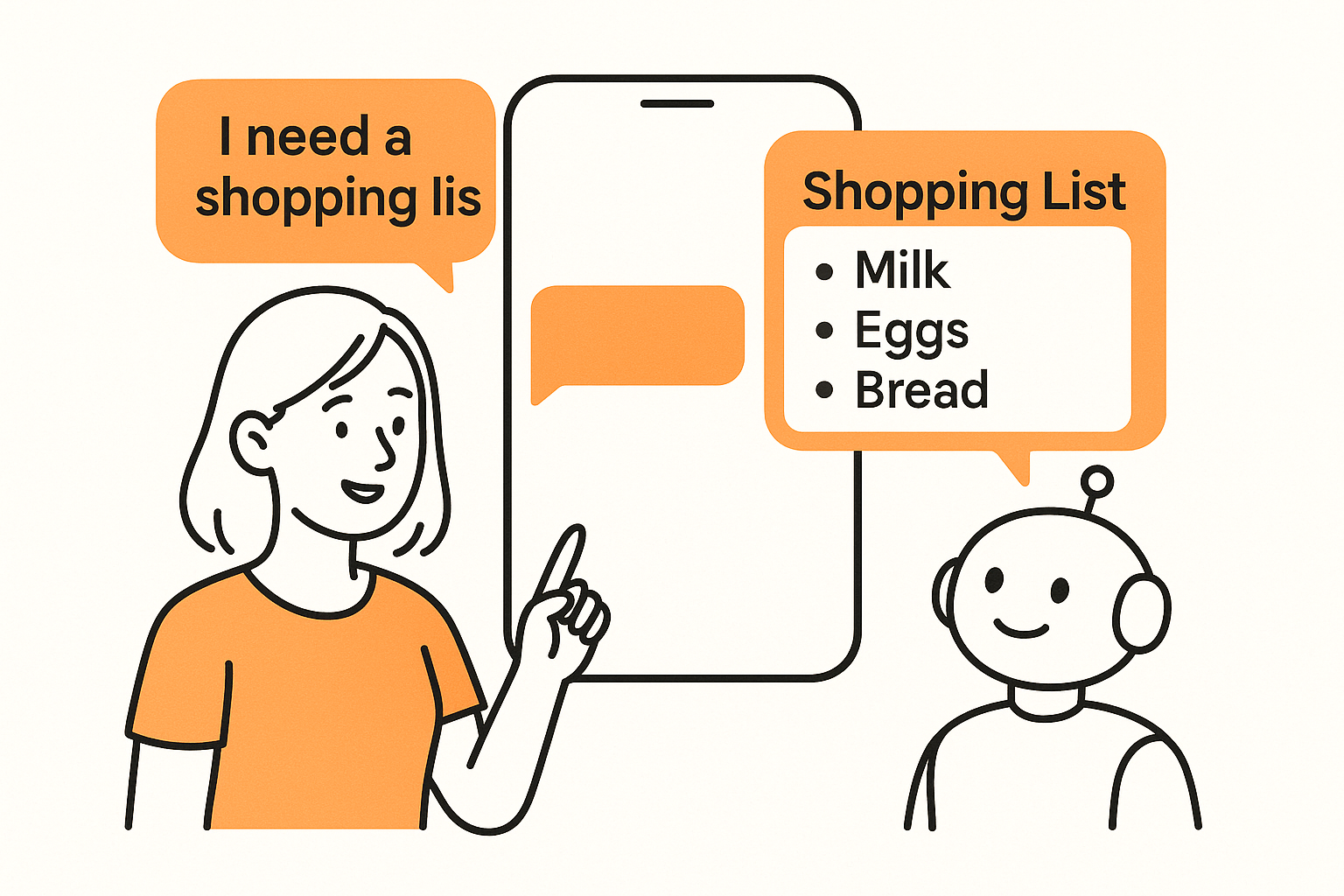
You use Claude every day. You also make grocery lists. What if Claude could add "milk" to your shared family list while you're chatting about dinner recipes?
Not fake-add it. Not say "Done!" while nothing happens on your phone. Actually add it, so your partner sees it at the store.
That's what LystBot's MCP server does. Five minutes of setup, and Claude becomes your grocery list manager for real.
What is MCP (and why should you care)?
MCP stands for Model Context Protocol. Think of it as USB-C for AI apps. It's a standard way for AI tools to connect to external services without custom plugins or hacky workarounds.
Claude Desktop, Cursor, Windsurf, and Cline all support MCP. When an app ships an MCP server, any of these tools can talk to it directly.
LystBot is one of the first MCP servers built for personal productivity. Most MCP servers target developer workflows (databases, GitHub, file systems). LystBot targets the stuff you do every day: grocery runs, packing lists, shared family lists.
Setup in 5 minutes
Here's everything you need.
Step 1: Install LystBot
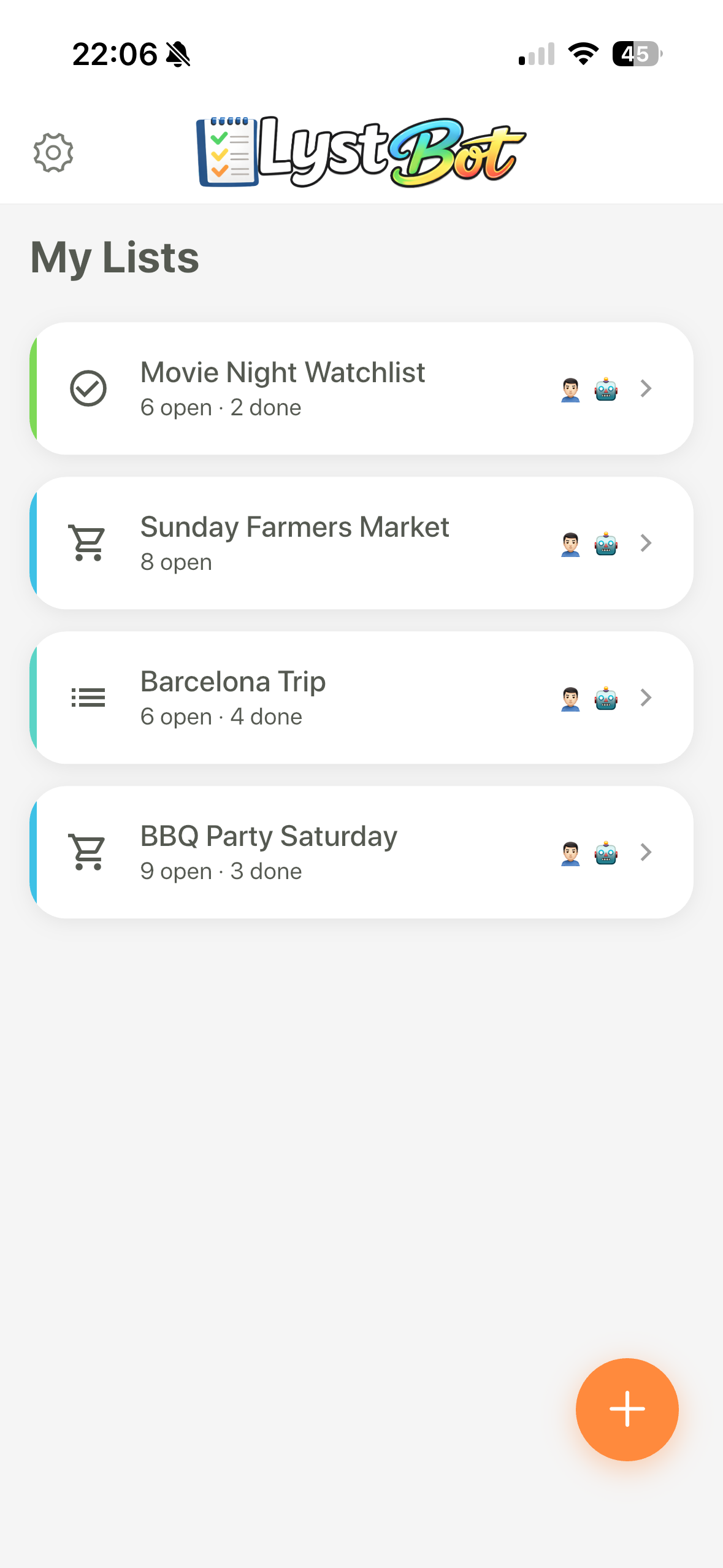
Grab it from the App Store or Google Play. Create a couple of lists, add some items. Get familiar with the app.
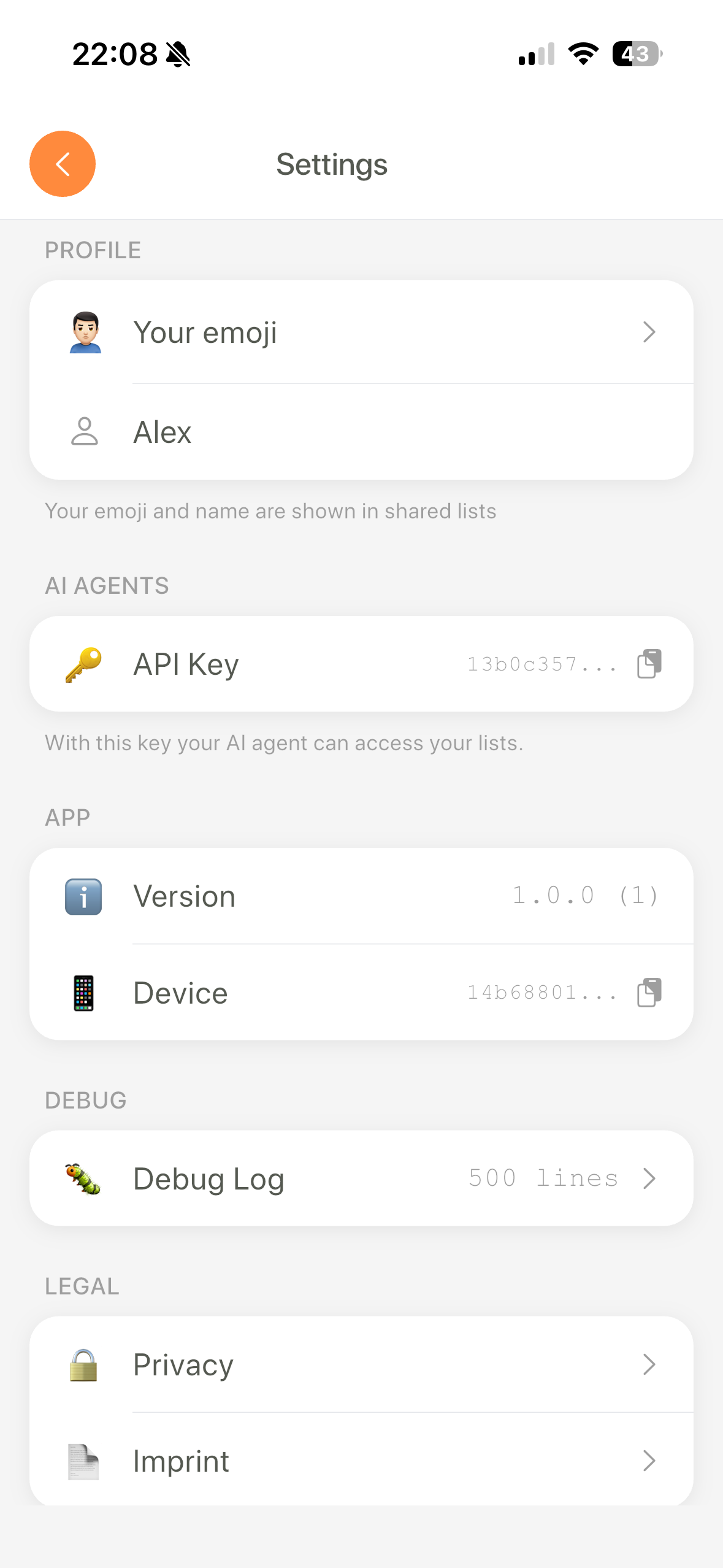
Step 2: Get your API key
Open Settings, tap AI Agents, copy the key. Five seconds.
Step 3: Authenticate the CLI
Open a terminal and run:
npx lystbot login YOUR_API_KEYThis stores your key locally so the MCP server can use it.
Step 4: Add to Claude Desktop config
Open your Claude Desktop settings, find the MCP configuration, and add this:
{
  "mcpServers": {
    "lystbot": {
      "command": "npx",
      "args": ["lystbot", "mcp"]
    }
  }
}
On macOS, the config file lives at ~/Library/Application Support/Claude/claude_desktop_config.json. On Windows, check %APPDATA%\Claude\claude_desktop_config.json.
Step 5: Restart Claude Desktop
Close Claude Desktop completely and reopen it. You should see LystBot listed under your MCP connections.
That's it. Claude can now read, create, and modify your lists.
Real examples
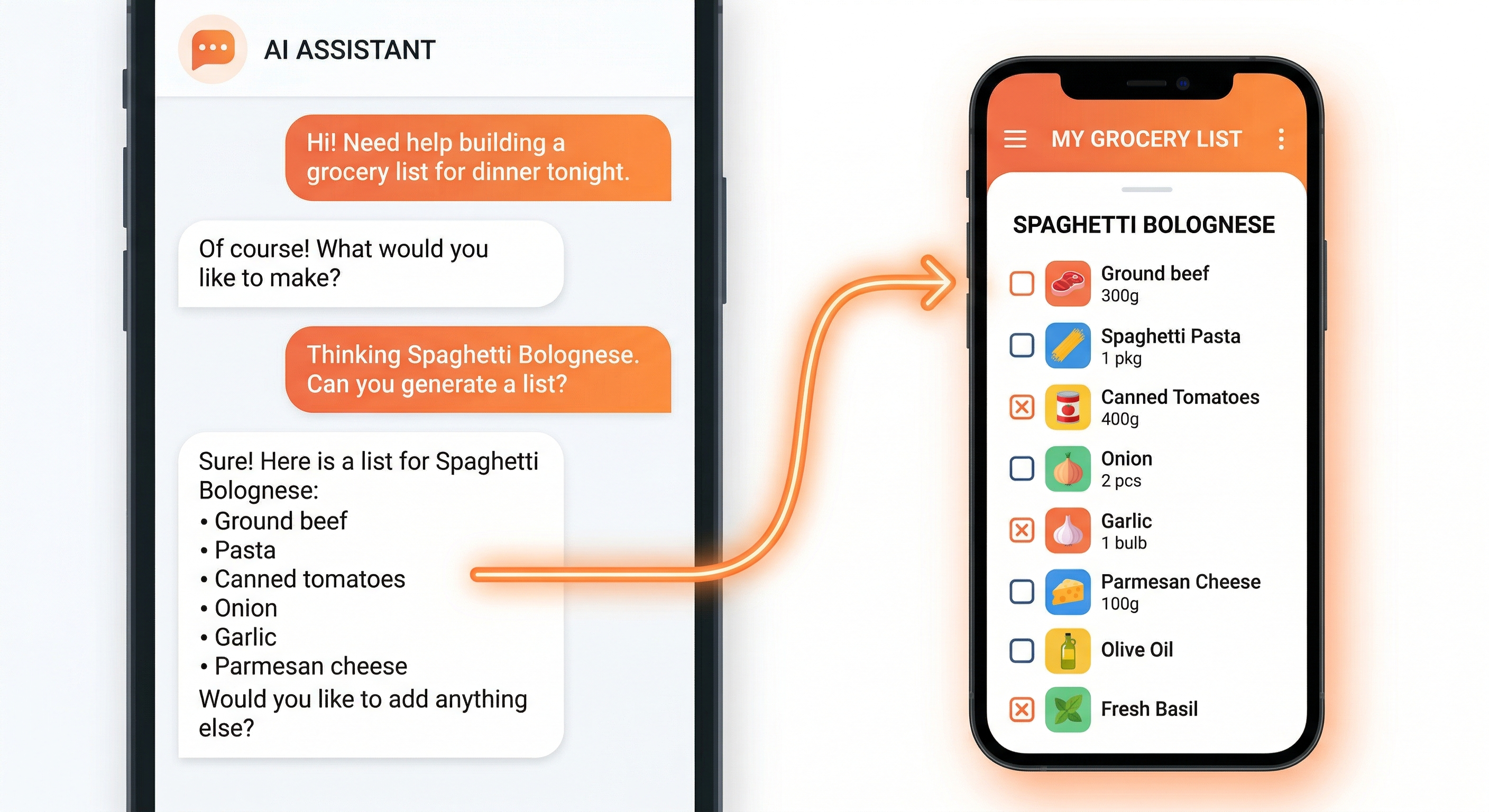
Here's what it looks like in practice. These are actual things you can type into Claude.
"Add milk, eggs, and bread to my grocery list"
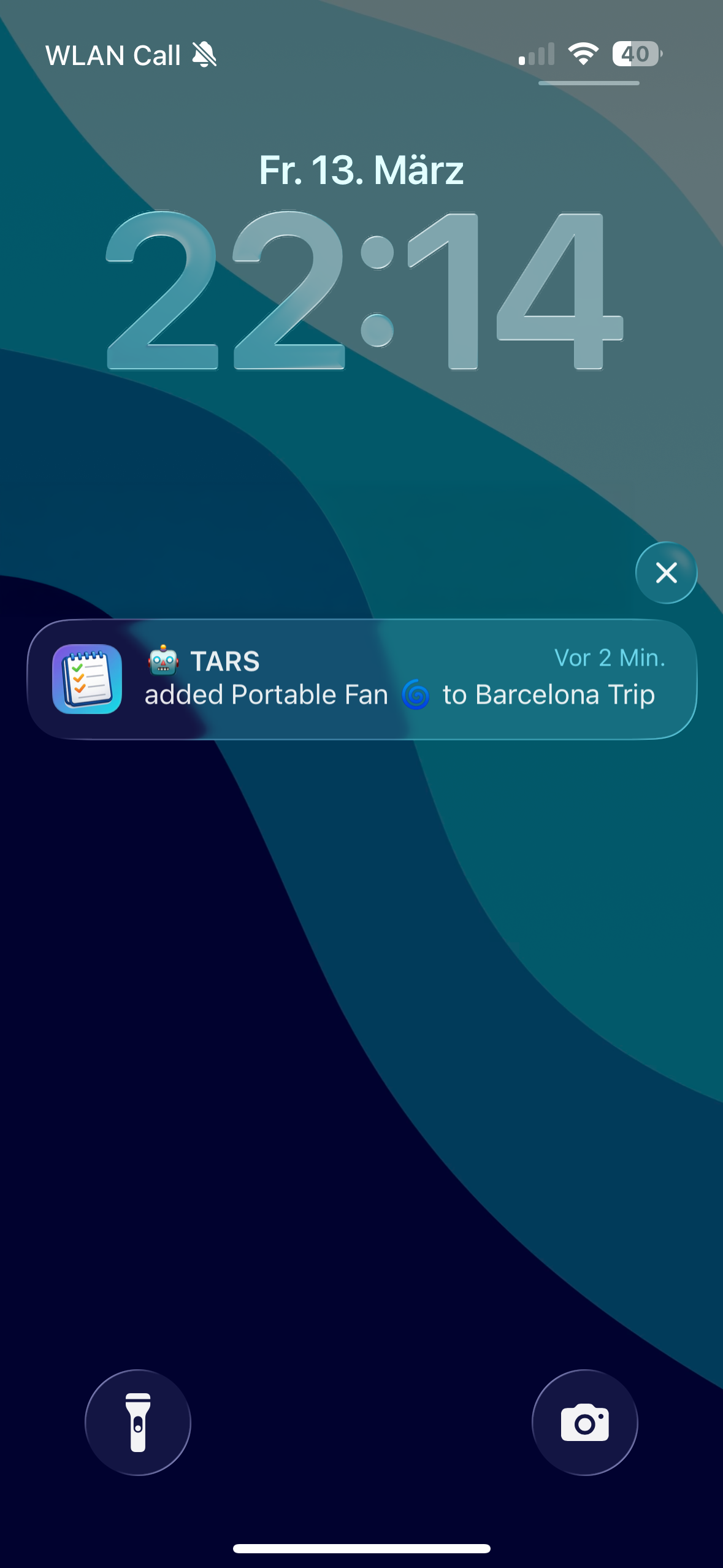
Claude calls the LystBot MCP server, finds your grocery list, and adds three items. Your phone buzzes with a push notification. The items show up instantly.
"What's on my shopping list?"
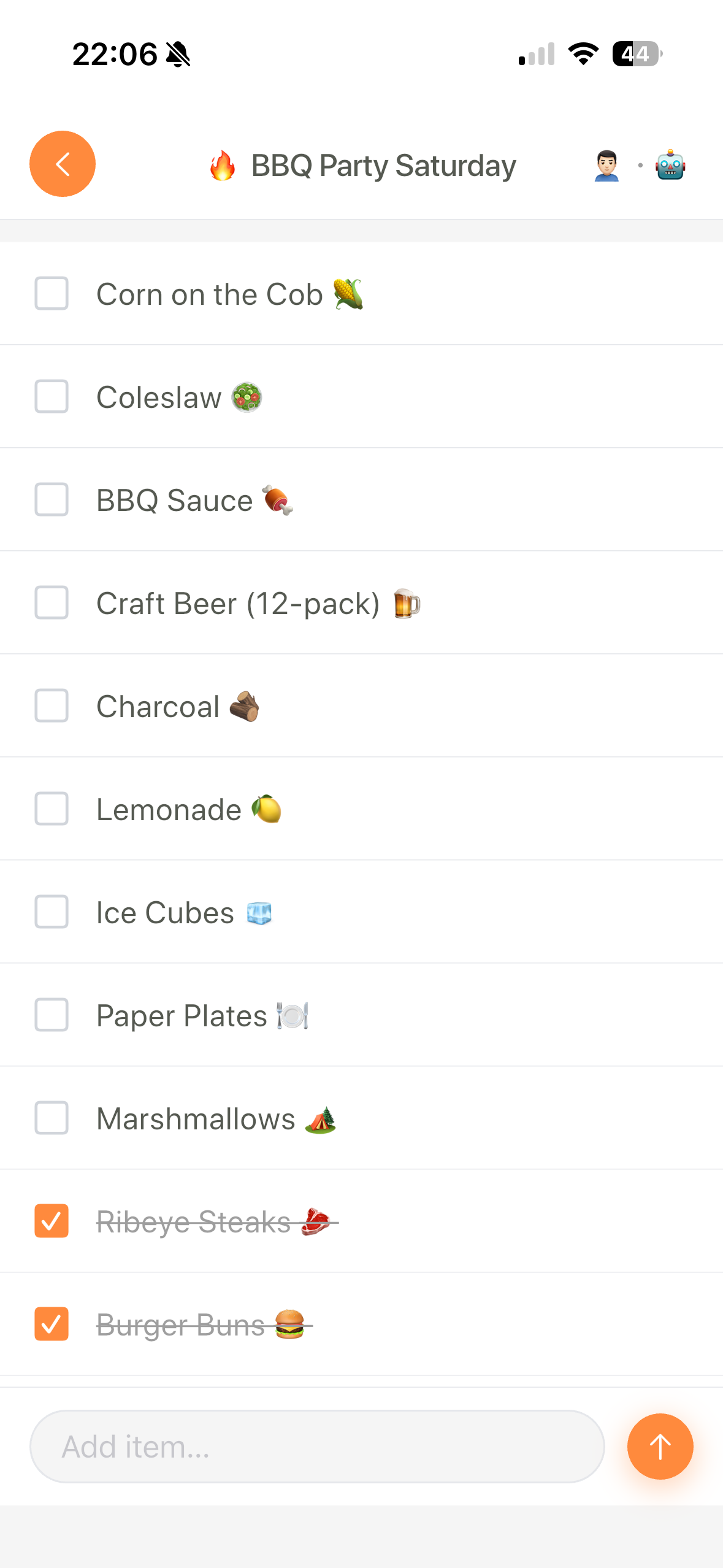
Claude reads the list and shows you everything on it, including which items are already checked off.
"Check off the milk"
Claude marks it as done. If your partner shared the list, they see the checkmark on their phone too.
"Create a new list called Party Supplies"
Claude creates it. You can specify an emoji too: "Create a list called Party Supplies with a balloon emoji."
"Share my grocery list"
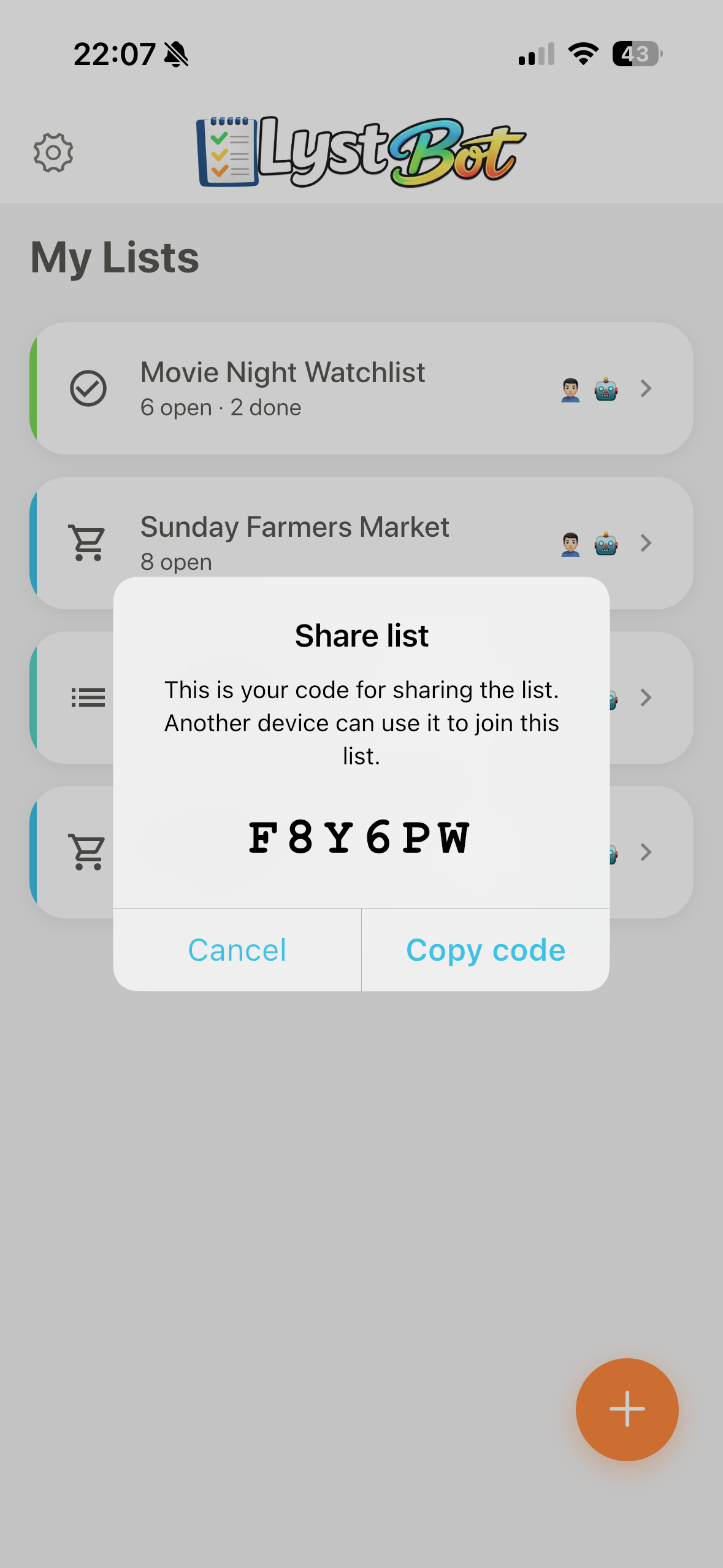
Claude generates a share code. Send it to anyone and they can join the list from their phone.
The best part: you can combine this with other Claude tasks. Ask Claude to plan a week of meals and add all the ingredients to your grocery list in one go. Ask it to compare two recipes and add the cheaper one's ingredients. Claude handles the thinking, LystBot handles the list.
Beyond groceries
Once you have the MCP server running, grocery lists are just the starting point.
Travel packing lists. "I'm going to Iceland for a week in November. Create a packing list." Claude knows what you need for cold weather and creates a detailed list you can check off as you pack.
Gift tracking. "Add 'Lego Space Shuttle' to Theo's birthday list." Keep running lists of gift ideas for people. When their birthday comes around, you've got options ready.
Shared project lists. Working on a home renovation? "Add 'call electrician' and 'order tile samples' to the kitchen project list." Share it with your partner so you both track progress.
Bucket lists, reading lists, watch lists. Any time you'd normally jot something down on paper or in a random notes app, LystBot gives it a proper home that your AI can manage.
Works with Cursor, Windsurf, and more
Claude Desktop gets the most attention, but the LystBot MCP server works with any MCP-compatible client. Cursor, Windsurf, Cline, Claude Code - same config, same server, different interface.
For Claude Code, you can add it with one command:
claude mcp add lystbot -- npx lystbot mcpLystBot is listed on the official MCP Registry, so you can find it alongside other MCP servers.
Get started
Your AI just became your personal list assistant. Here's where to go:
- Download: iOS · Android
- Docs: lystbot.com/docs
- GitHub: github.com/TourAround/LystBot
- npm: npmjs.com/package/lystbot